What Is ItsNewzTalkies? Website Safety, Legitimacy, and Privacy Checks
ItsNewzTalkies is a website name that may attract visitors looking for entertainment-related content, downloads, videos, or online updates. However, a familiar-looking site is not automatically safe, so this guide explains how to check its purpose, legitimacy, privacy practices, and security risks before you download anything or create an account.
What Is ItsNewzTalkies?
ItsNewzTalkies appears to be a web platform connected with entertainment content, although the exact purpose may depend on the domain version, region, and page that a visitor opens. Websites with similar names can sometimes publish movie information, streaming links, news, trailers, downloadable files, or links to third-party services. The name alone does not prove what the website offers or who operates it.
This is important because online brands can use very similar spellings, changing domain extensions, and copied logos. A visitor may believe they have opened an official entertainment service when they have actually reached an unrelated site, an advertising landing page, or a page designed to collect personal information.
Before using ItsNewzTalkies, check the full web address in your browser. Look for unusual domain endings, extra words, misspellings, or a long chain of symbols after the main address. Also check whether the page clearly explains its purpose. A trustworthy website should usually provide understandable information about its content, operator, contact method, and terms of use.
Visitors may include people searching for autumn entertainment, new releases, television content, or online media before the Christmas season. This creates a useful opportunity for scammers because seasonal searches often become more urgent. People looking for a film, sports stream, or holiday entertainment may click the first result without checking where it leads.
Do not download a file or register simply because a page promises free access, early releases, exclusive content, or unlimited viewing. First decide whether the service actually needs a download or account. If the page asks for software, browser extensions, a payment card, or extensive personal information for a simple preview, pause and investigate further.
Is ItsNewzTalkies Legitimate or a Scam?
It is not responsible to label ItsNewzTalkies as legitimate or fraudulent based only on its name. The safer approach is to perform several independent checks. No single green padlock, review, or security scanner can prove that a website is trustworthy.
Check the domain and ownership information
Use a reputable WHOIS or domain lookup service to check when the domain was created and whether its registration details are visible. A very new domain is not automatically dangerous, but a recently created website making major promises deserves extra caution. Hidden ownership is also not proof of fraud because many legitimate businesses use privacy protection, but it makes other checks more important.
Look for a consistent business identity across the website. The company name, email address, social media profiles, and legal pages should not contradict one another. Be careful if the contact page contains only a generic form, an unrelated email address, or no information at all.
Review HTTPS, content quality, and claims
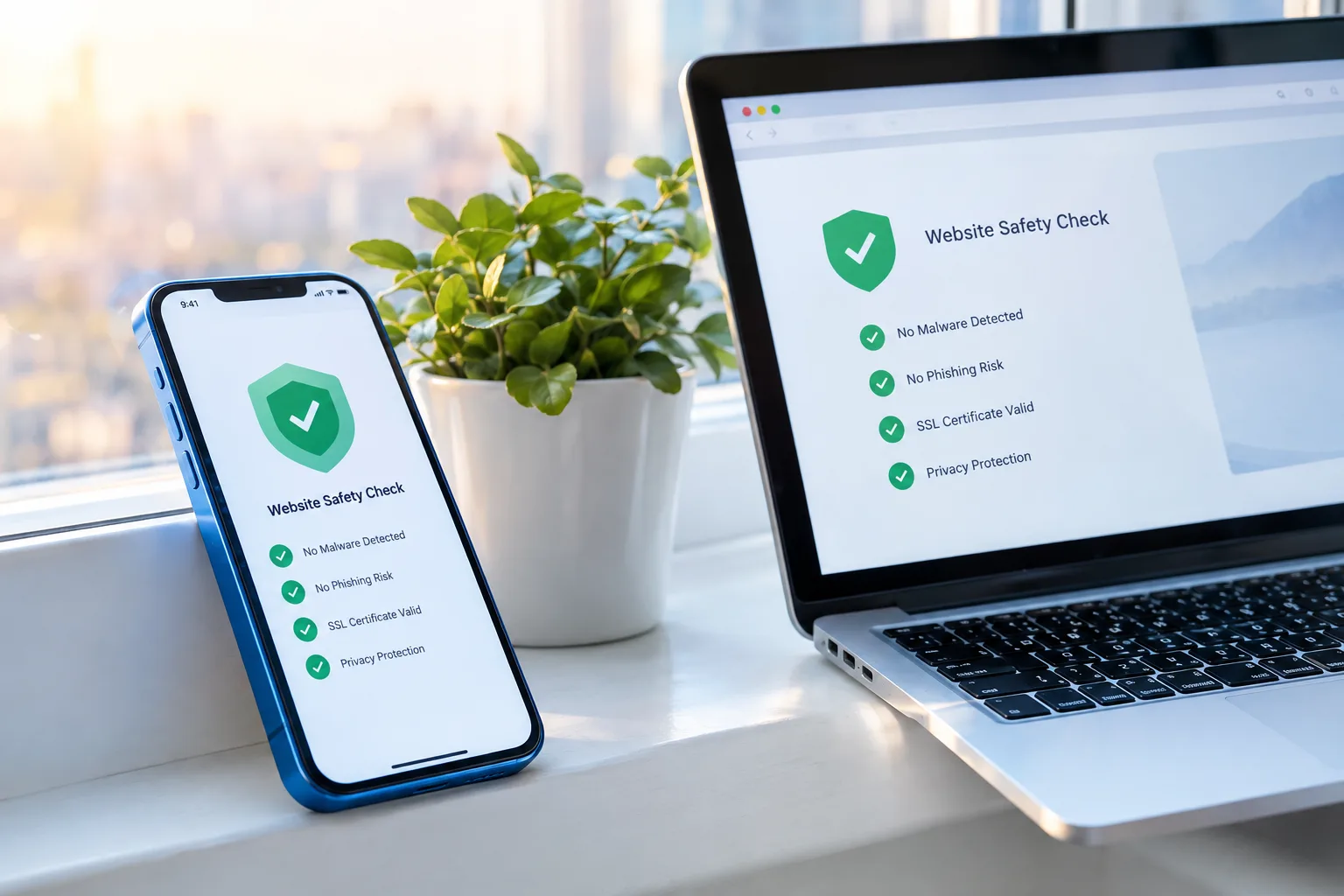
HTTPS protects the connection between your browser and the website, but it does not guarantee that the website itself is honest. Criminal websites can also use valid HTTPS certificates. Treat the padlock as a basic encryption feature, not as a trust certificate.
Read several pages instead of judging the home page alone. Poor grammar, copied articles, broken images, fake countdown timers, impossible promises, and aggressive urgency can indicate a low-quality or deceptive operation. Claims such as “official,” “100 percent safe,” or “no registration required” should be checked rather than accepted at face value.
Watch what happens when you click
Notice whether links open the expected page. Multiple redirects, unexpected tabs, casino advertisements, fake virus warnings, and requests to disable browser protection are serious warning signs. A website that repeatedly sends you to unrelated domains may be operating mainly as an advertising or traffic-generation network.
Search for independent experiences, but do not trust every review. Scam websites can receive artificial five-star ratings, while genuine sites can also have occasional complaints. Look for detailed discussions from different sources that explain what happened, rather than short comments that only say “safe” or “good.”
Website Safety Risks to Check Before Visiting
The main risk may not be the page itself, but the advertising network, redirect, download, or third-party form connected to it. Entertainment websites can contain many external links, which makes it difficult for a visitor to know who controls each step of the browsing session.
Malicious advertisements may imitate browser messages and claim that your phone or laptop has a virus. These messages are usually designed to make you panic and install an unnecessary app or call a fake support number. Close the tab instead of clicking the warning. Your browser or security software should provide its own alerts through familiar system notifications.
Fake download buttons are another common problem. Several large buttons may appear around the real content, while the actual link leads to an advertisement or an unwanted program. Be especially careful with files that use names such as “player update,” “HD codec,” “security tool,” or “video access extension.” Modern browsers normally do not need a random website download to play ordinary online video.
Phishing forms may ask for an email address, password, phone number, date of birth, or payment card. A page can look professional while quietly sending these details to an unrelated operator. Never reuse your main email password on an unfamiliar website. If a service asks for more information than its function requires, leave the page.
Browser notification requests deserve similar caution. Selecting “Allow” can permit a website to send messages to your device even after you close the tab. These notifications may promote fake prizes, investment schemes, adult content, or malware. You can reject the request, or remove permission later through your browser’s privacy and site settings.
Copyright-related risks also matter. A website that offers films, shows, or other media without clearly explaining its licensing may expose visitors to illegal material or misleading downloads. Availability can vary by country, and clicking through an unlicensed service may also lead to unsafe advertising. A free offer is not necessarily legal, reliable, or secure.
Autumn and pre-Christmas browsing can increase these risks. During November and December 2026, people search more actively for seasonal films, entertainment deals, gift ideas, and streaming options. Fake pages may use Black Friday, Cyber Monday, Christmas, or “new release” language to create urgency. Be just as careful with entertainment searches as you are with online shopping pages.
For broader seasonal advice, read our guide to finding real electronics deals during Black Friday 2026 in Slovakia. The same basic habit applies to unfamiliar entertainment websites: check the domain before trusting the offer.
ItsNewzTalkies Privacy and Data-Collection Checks
Before registering, find the website’s privacy policy and read enough to understand who collects your data, why it is collected, and how long it is stored. A privacy policy should identify the operator or legal entity, explain user rights, and provide a method for privacy questions. A page copied from another service, filled with vague language, or missing completely is a warning sign.
Cookies, tracking, and permissions
Most websites use some cookies, but you should be able to see what categories are used. Necessary cookies may support login or basic functions, while analytics, advertising, and profiling cookies can follow your activity across services. A trustworthy consent banner should offer meaningful choices instead of making “Accept all” the only clear button.
Browser developer tools and privacy extensions can reveal third-party scripts, although beginners do not need advanced technical knowledge to stay cautious. Start by asking whether the website works when optional cookies are rejected. If the page refuses basic access unless you accept extensive tracking, consider whether the content is worth that privacy cost.
Do not grant camera, microphone, location, contacts, or notification permissions unless the service genuinely needs them. A simple entertainment information page has no obvious reason to access your contacts or precise location. Review previously granted permissions in your browser and remove access that you do not recognise.
Accounts, payments, and data sharing
Consider whether an account is necessary. If ItsNewzTalkies asks you to register before showing basic information, check the required fields carefully. An email address may be enough for a newsletter, while a request for identity documents, full address, phone number, and payment data needs a clear explanation.
Read the sections about data sharing, advertising partners, international transfers, and account deletion. If the policy says that information may be shared with broad categories of “partners” without explaining who they are, limit the data you provide. Use a separate email address for low-trust registrations, and never submit your primary password.
Payment requests require particular care. Do not enter card details on a page reached through several redirects or a pop-up. Verify the merchant name, currency, refund conditions, and payment processor before proceeding. A small “verification fee” can still expose your card to recurring charges.
What to Do If You Have Used ItsNewzTalkies
If you only opened the page and did not click, download, register, or share information, the risk is usually lower. Close suspicious tabs, clear unwanted site permissions, and update your browser. You do not need to panic because a website appeared on your screen.
If you downloaded a file, do not open it again. Delete it from the downloads folder and empty the recycle bin after checking that it is not a file you genuinely need. Run a full scan using your device’s built-in security tool and a reputable, updated security product. Do not install a second “cleaner” suggested by a pop-up on the suspicious website.
If you opened a suspicious program, disconnect the device from the internet if you notice unusual activity such as new pop-ups, disabled security tools, slow performance, or unknown applications. Run an offline or full security scan, install operating-system updates, and consider professional assistance if the symptoms continue.
If you entered a password, change it immediately from a trusted device. Change it anywhere else you reused it, and enable multi-factor authentication wherever possible. Check account login history, remove unknown sessions, and watch for password-reset messages that you did not request.
If you allowed browser notifications, open the browser’s site settings and remove ItsNewzTalkies from the notification permission list. Also check extensions, startup pages, and default search settings for changes. On a phone, review recently installed applications and delete anything you do not recognise.
If you entered card details, contact your bank or card provider through its official app or telephone number. Explain what happened, ask whether the card should be blocked or replaced, and monitor transactions for recurring charges. Save screenshots, emails, receipts, and the web address in case you need to report the incident.
During the 2026 holiday-shopping season, combine these checks with good everyday habits. Keep your operating system, browser, and security software updated. Use unique passwords with a password manager, avoid urgent offers, and verify websites by typing known addresses manually instead of following random social media links.
Bottom Line
ItsNewzTalkies should be treated as an unverified website until its domain identity, operator, content, privacy policy, and behaviour have been checked. HTTPS and a professional design are useful but limited signals. The safest decision is to avoid downloads, registrations, permissions, and payments when the site uses aggressive redirects, unclear ownership, suspicious claims, or excessive data requests.
Want more practical technology and online safety guidance for everyday devices?