Charging a phone or laptop may seem too small to affect your electricity bill, but modern homes often have many devices charging every day. In autumn 2026, shorter days, more indoor screen time, Black Friday purchases and early Christmas preparations can quickly increase the number of chargers connected to the wall. The good news is that simple settings, better charging habits and safe equipment can reduce wasted energy without making your devices inconvenient to use.
Where Charging Energy Actually Goes: Wall Chargers, Standby Losses and Battery Capacity
Electricity does not move from the wall socket into a battery with perfect efficiency. A charger converts alternating current from the socket into the direct current used by a phone, laptop, watch or other device. Some energy is lost as heat during this conversion, and another small amount is used by the device’s charging and battery-management circuits.
A typical modern smartphone battery has a capacity of roughly 12 to 20 watt-hours. If you charge a 15 Wh battery from empty to full, the wall socket may provide around 18 to 23 Wh after conversion losses. In practical terms, charging one phone every day may use approximately 7 to 9 kilowatt-hours per year, depending on battery size, charging frequency, usage and charger efficiency.
Tablets normally have larger batteries, often between 25 and 40 Wh. A full charge may require around 30 to 50 Wh from the socket. Smartwatches usually use less than 2 Wh per full charge, while wireless earbuds and their charging cases commonly use only a few watt-hours. These products have a small direct energy cost, although the number of devices in a household still matters.
Laptops are more demanding. A compact laptop may have a 45 to 60 Wh battery, while a larger performance model can reach 80 to 100 Wh or more. A full charge may therefore use around 55 to 120 Wh from the socket. Gaming laptops and powerful workstations can also draw electricity while being used, so their total energy consumption is much higher than the cost of charging the battery alone.
Power banks vary widely. A small 5,000 mAh model may store around 18 Wh, while a 20,000 mAh model can store approximately 70 Wh. Charging a power bank from the wall can require more than its advertised capacity because of voltage conversion and heat losses. It is also inefficient to charge a power bank and then use it to charge a phone when a wall socket is available.
Standby consumption is another part of the picture. An unplugged charger usually consumes almost no electricity, but some older or poor-quality adapters can draw a small amount while connected without a device. One charger may use very little, yet several permanently connected adapters, docks, speakers and monitors can create unnecessary background demand over a full year.
The Settings That Reduce Charging Demand on Phones and Laptops
The most effective way to reduce charging energy is to make the battery last longer between charges. A device that needs charging once every two days generally uses less electricity than one that needs charging every evening. Battery-saving settings also reduce heat, which can support longer battery health over time.
Look for a battery-protection or charging-limit option in the device settings. Many recent phones and laptops can stop charging at 80 or 85 percent, or delay the final part of charging until shortly before you normally wake up. This reduces the time the battery remains at a high charge level. A full 100 percent charge is still useful before a long journey, but it does not need to be the everyday default for every device.
Adaptive charging is especially helpful overnight. The device learns your routine and may pause at a lower level before completing the charge near your usual morning alarm. If your phone supports this function, enable it rather than charging to full immediately after connecting the cable.
Screen settings can make a noticeable difference. Lowering brightness, enabling automatic brightness and using dark mode on OLED displays can reduce power use. Dark mode is less important on LCD screens, but lower brightness still helps. A high refresh rate makes scrolling feel smoother, but switching from 120 Hz to 60 Hz can extend battery life during ordinary reading, messaging and email use.
Background activity is another common source of unnecessary battery drain. Review which apps can refresh in the background, use location services or send frequent notifications. Disable background activity for apps that you rarely use, while keeping essential communication, security and navigation functions active.
On laptops, set the display to turn off after a reasonable period and allow the computer to sleep when you step away. Modern sleep modes use much less energy than an active desktop, especially when a bright screen, external monitor or wireless accessories remain connected. Hibernation is useful when the laptop will not be used for several hours or overnight.
A Low-Energy Charging Routine for Autumn and the Christmas Season
Autumn often brings more indoor entertainment, remote work and evening screen time. The period from Black Friday through Christmas can add new phones, tablets, smartwatches, headphones and toys to the household. A simple charging routine prevents these extra devices from remaining connected all day.
Create one organised charging area instead of placing adapters in every room. A suitable power strip or multi-port charger can keep cables visible and reduce forgotten equipment behind furniture. Turn the charging area off when it is not in use, but only if the connected devices do not need continuous power for a specific function.
Christmas decorations and smart lighting deserve separate attention. Timers are better than leaving illuminated decorations on from late afternoon until morning. Choose an automatic schedule that matches the darker season, and unplug decorative electronics when you leave home for several days. Do not overload a single extension lead with chargers, lights, heaters and other high-power appliances.
Guest chargers are easy to forget during family visits. Label shared cables by connector type, keep them in one tray and remove unused adapters after guests leave. If visitors bring laptops or travel adapters, check that cables are not trapped under furniture or placed where they can be stepped on.
New gift devices often need updates, account setup and initial charging. Complete these tasks together rather than leaving several products connected overnight for multiple days. Once a device reaches its recommended charge level, disconnect it and enable its battery-protection features.
Travel also changes charging habits. Before an autumn weekend or Christmas trip, charge essential devices in advance and carry one suitable adapter instead of several duplicate chargers. A high-quality multi-port USB-C adapter can reduce clutter, but it should still be used within its stated limits.
For more seasonal advice about cold-weather accessories, chargers and power banks, read our Winter Tech Gear Guide 2026. Cold temperatures can affect battery performance, so avoid charging a very cold device immediately after bringing it indoors.
Choosing Efficient Chargers, Cables and USB-C Power Delivery
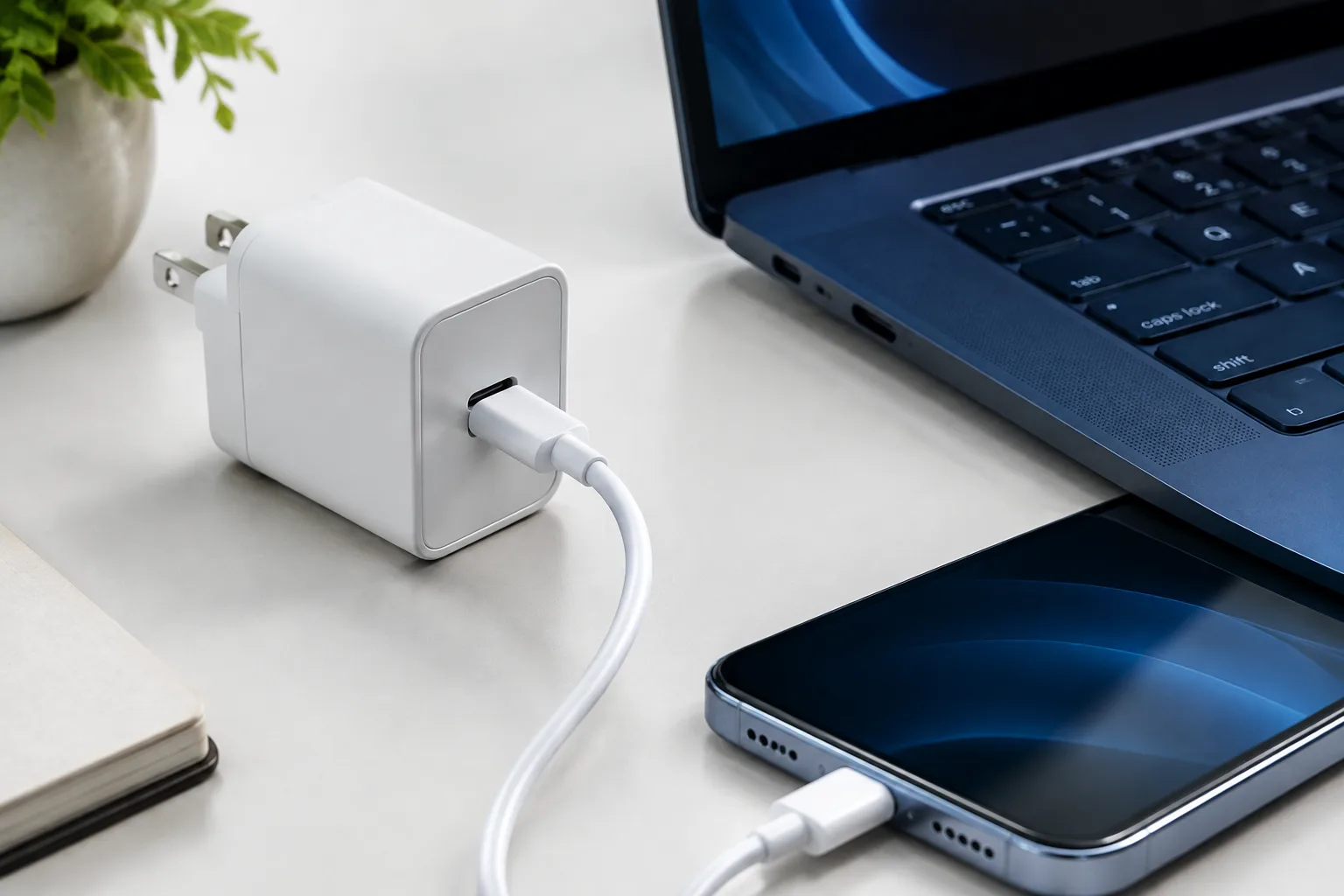
USB-C Power Delivery, commonly called USB-C PD, allows a charger and device to negotiate the voltage and current they need. A compatible phone may request a lower profile, while a laptop can request a higher one. Common PD profiles include 5, 9, 12, 15 and 20 volts, although the exact options depend on the charger and device.
Match the charger to the equipment rather than choosing only the highest number on the box. A phone may work well with 20 to 30 watts, a tablet may need 30 to 45 watts, and many laptops require 45 to 100 watts. The device determines its actual demand when the charger supports proper power negotiation.
A higher-wattage charger does not automatically use more electricity. A 100-watt USB-C charger connected to a phone will usually deliver only the power the phone requests. However, a charger can still consume a small amount while idle, and inefficient or poorly designed models may waste more energy as heat.
GaN, or gallium nitride, chargers are often smaller and can be efficient, particularly at higher power levels. Size alone does not prove quality, so check the manufacturer, safety markings, warranty and technical specifications. A reputable multi-port adapter can reduce the number of permanently connected chargers, but its total output may be shared when several devices are connected.
Cables also matter. Use cables rated for the power and data speed you need. A low-quality or damaged cable may become hot, charge slowly or repeatedly disconnect. USB-C connectors can look identical while supporting different power limits, so check the cable rating when charging a laptop or high-capacity power bank.
Do not confuse fast charging with lower energy use. Fast charging saves time, but it may create more heat and can involve conversion losses at higher power. Use it when you need it, while slower overnight charging with a protection limit may be a better everyday routine.
How to Measure Charging Costs at Home
Estimating charging costs is simple when you know the electricity tariff. Start by checking your price per kilowatt-hour on your bill or energy contract. If your tariff changes during the day, use the rate that applies when the device is normally charged.
A plug-in energy meter can measure the electricity used by a charger. Connect the meter to the wall, connect the charger to the meter and record the reading after several complete charging sessions. For a realistic result, measure a week rather than a single charge because battery levels and usage vary.
Use this calculation:
Cost = energy used in kilowatt-hours × electricity price per kilowatt-hour.
For example, if a phone charger uses 0.02 kWh per day and electricity costs €0.20 per kWh, the daily cost is €0.004. Over a year, that is about €1.46. A laptop using 0.10 kWh per day at the same price would cost around €7.30 per year for charging. These figures show why individual phone charging is rarely a major bill item, while always-connected monitors, desktop computers and entertainment equipment can matter more.
Measure overnight charging separately from active use. A meter can reveal whether the difference is meaningful or whether the charger draws almost the same energy because the battery was already nearly full. You can also test a power strip with several adapters connected but no devices connected to identify standby losses.
Do not become distracted by tiny readings from modern chargers. Replacing safe equipment purely to save a very small standby amount may create unnecessary electronic waste. Prioritise devices that run for many hours, chargers that become hot, and equipment that remains connected throughout the year.
Want more practical guidance for choosing seasonal tech and avoiding unnecessary charging accessories?
Safe Ways to Save Energy Without Damaging Batteries or Starting a Fire
Energy saving should never mean using unsafe equipment. Choose chargers from reputable manufacturers with appropriate electrical safety certification for your region. Avoid counterfeit adapters, especially those with missing labels, poor printing, unusually low prices or no clear manufacturer information.
Inspect cables regularly. Stop using a cable if the insulation is split, the connector is loose, the plug is bent or the cable becomes hot during ordinary charging. Do not repair a mains charger with tape, and do not continue using an adapter that makes buzzing sounds, smells unusual or shows scorch marks.
Keep charging equipment on a hard, uncovered surface. Beds, sofas and blankets can trap heat around a charger or device. This is particularly important when charging a laptop or power bank, which may produce more heat than a small phone. Never cover an adapter with clothing or place it under a pillow.
Moisture is dangerous around mains electricity and charging ports. Do not charge a wet device, and do not use a charger near a bath, sink or outdoor area exposed to rain unless the equipment is specifically designed for that environment. Allow a wet port to dry according to the manufacturer’s instructions instead of forcing in a cable.
Use extension leads carefully. Do not connect multiple extension blocks together, and do not combine chargers with high-power heaters, kettles or other demanding appliances on an overloaded lead. A power strip with overload protection is useful, but it does not make unlimited connections safe.
Stop charging immediately if a battery swells, becomes extremely hot, leaks, emits smoke or gives off a strong chemical smell. Move away from the device if it is smoking, disconnect power only when this is safe, and contact local emergency or waste authorities for guidance. Do not puncture, freeze or throw a damaged lithium battery into household rubbish.
Finally, do not sacrifice battery health for a tiny saving. Battery-protection limits, adaptive charging, efficient adapters and sensible schedules are safe improvements. Blocking ventilation, using uncertified chargers or ignoring overheating is never a worthwhile way to reduce electricity use.
Bottom Line
Charging phones and small accessories usually costs less than many people expect, but unnecessary standby power, large laptop batteries and a growing collection of Christmas electronics can add up. Enable adaptive charging and battery limits, reduce background activity, use sleep settings, organise seasonal chargers and measure uncertain equipment with a plug-in energy meter.
Choose a reputable USB-C PD charger that matches your devices, remember that higher wattage does not automatically mean higher consumption, and replace damaged equipment promptly. The best autumn 2026 charging routine is not about avoiding technology. It is about charging only what you need, when you need it, with equipment that is efficient, cool and safe.