
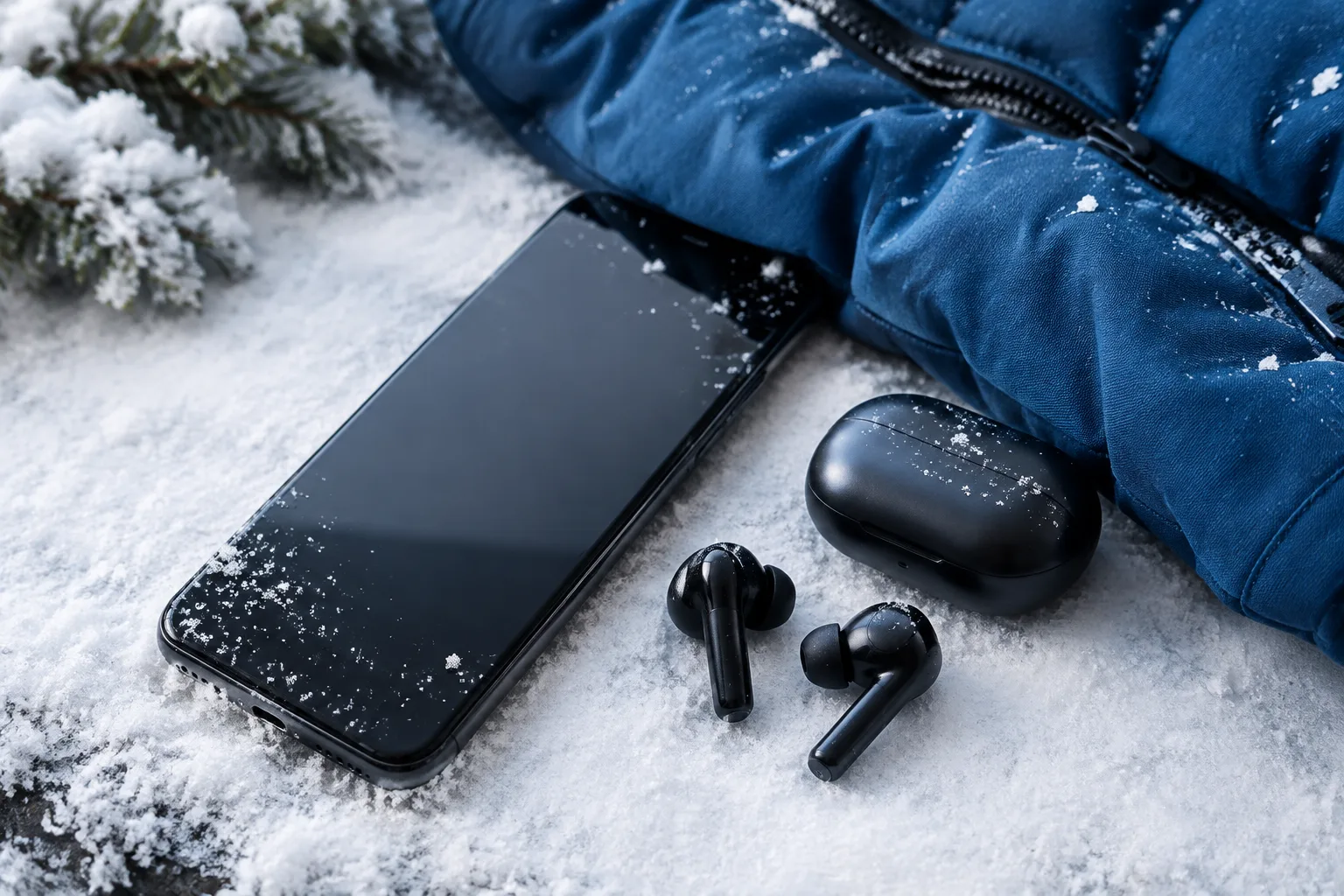
Winter can be surprisingly hard on a smartphone. Freezing temperatures reduce battery performance, snow and road salt threaten ports and connectors, while sudden movement from a cold street into a warm home can create condensation inside the device. With November bringing colder mornings, Black Friday travel and the start of Christmas shopping, a few simple habits can help keep your phone reliable throughout the season.
Why Cold Weather Is Hard on Your Smartphone
Most modern smartphones use lithium-ion batteries. These batteries work best at moderate temperatures and become less efficient when the temperature falls close to or below freezing. The chemical reactions inside the battery slow down, which means the phone may show a lower charge level, lose power quickly or shut down even when the battery indicator still shows enough energy.
This does not always mean the battery is permanently damaged. In many cases, the battery percentage returns to a more normal level after the phone warms up. However, repeated exposure to extreme cold can contribute to long-term battery wear, especially if the phone is also charged while it is still very cold.
Cold weather can affect more than battery life. The processor may reduce performance to manage unstable power delivery, making apps open more slowly. Camera processing, mobile data and GPS navigation can also feel less responsive. If you are trying to find a Christmas market or train platform, a slow phone can become more than an inconvenience.
The touchscreen may also respond differently. Cold fingers, thick gloves and a screen covered with moisture can make touch input unreliable. Some regular gloves do not work with capacitive displays at all, while wet gloves can cause missed touches or accidental commands.
The biggest hidden risk often appears when you move indoors. A phone that has been outside in freezing air may collect condensation when exposed to warm, humid indoor air. Moisture can form around charging ports, speakers, buttons and internal components. Even if the outside of the phone looks dry, water may still be present inside small openings.
Snow and ice create additional risks. Snow can melt inside a charging port, while road salt and dirty slush can leave corrosive residue on the phone’s frame or accessories. A fall onto frozen pavement is also more likely to damage glass because hard surfaces provide very little impact absorption.
How to Protect Your Phone Battery in Freezing Temperatures
The most effective winter habit is simple: keep your phone close to your body. An inside coat pocket is usually warmer than an outside pocket or backpack compartment. Body heat helps reduce the speed at which the battery loses performance and keeps the device ready for important calls, tickets and navigation.
Do not leave your phone exposed on a car dashboard, outdoor table or cold windowsill. A vehicle can become extremely cold overnight, and the metal or glass around it may transfer cold quickly into the phone. If you must leave the device in a car, switch it off and place it inside an insulated bag, but remember that this is not a substitute for keeping it with you.
Try to avoid deep discharge during very cold conditions. If the battery reaches a low level, the phone may shut down suddenly because the cold reduces the battery’s available voltage. Charge the phone before leaving home and consider carrying a power bank for long commutes, hiking trips or airport travel.
A power bank should also be kept reasonably warm. Do not leave it in an outside backpack pocket for several hours and then immediately use it to charge a cold phone. Keep both devices inside an inner pocket whenever possible and allow them to return to a safe temperature before connecting them.
Intensive tasks use more power and create a greater risk of sudden shutdown. Camera recording, mobile gaming, video calls, high-brightness displays and continuous GPS navigation can drain a cold battery quickly. Use these features when necessary, but reduce screen brightness and close apps that are not needed.
For navigation, download offline maps before leaving home. This reduces mobile data and GPS use in areas with poor reception, such as rural roads, ski resorts and crowded Christmas markets. Offline maps are also useful if the battery begins to fall rapidly or the signal becomes unreliable.
Never charge a phone that is visibly cold, wet or covered with condensation. Charging creates heat and electrical activity inside the device, which can increase the risk of damage if moisture is present. Allow the phone to warm gradually and make sure the charging port is completely dry before connecting a cable.
Safe Charging and Warming After Outdoor Use
When you return indoors with a very cold smartphone, resist the temptation to place it directly on a radiator, heater or warm air vent. A sudden temperature change can produce condensation, while intense heat may damage the battery, display adhesive or internal components.
Instead, keep the phone switched off or locked and place it in a dry area away from direct heat. Let it warm naturally for at least 30 to 60 minutes, depending on how cold it became. A phone that was outside for a short walk may need less time, while one left in freezing conditions for several hours should be treated more cautiously.
Do not seal a wet or visibly damp phone in an airtight container immediately. This can trap moisture around the ports. Wipe the exterior gently with a clean, dry, lint-free cloth and leave the device in a well-ventilated room. Avoid using a hairdryer, compressed air or sharp objects inside the charging port.
Before charging, inspect the USB-C or Lightning port, speaker openings and cable connector. Look for droplets, fogging, dirt or salt residue. If the phone displays a moisture warning, disconnect the cable and wait until the warning disappears. Repeatedly forcing a cable into a damp port can cause corrosion or a short circuit.
Unsafe charging conditions include a hot charger, a damaged cable, a wet connector, a cracked phone body near the port or an unusual smell. Stop charging immediately if the phone becomes abnormally hot, swells, makes a hissing sound or shows smoke. Move away from the device and contact qualified support if a battery appears swollen or damaged.
Sudden battery drain or an unexpected shutdown is common in cold weather, but it should not be ignored if it continues indoors. First, let the phone return to room temperature. Then connect it to a reliable charger and check whether the battery level stabilises. If the phone remains unusually hot, refuses to charge or loses power quickly after warming up, arrange a battery or hardware inspection.
Wireless charging is not automatically safer for a cold or wet phone. The charging coil can still generate heat, and condensation can still damage internal components. Always wait until the entire phone is dry and at a normal indoor temperature before using either wired or wireless charging.
Protecting the Screen, Ports and Body From Winter Damage
A protective case is one of the most useful winter accessories. Choose a case with raised edges around the display and camera, a secure grip and enough shock absorption for drops onto frozen ground. A smooth, thin case may look attractive, but it can be difficult to hold with cold or gloved hands.
A screen protector adds another layer of defence against scratches from grit, ice particles and keys stored in the same pocket. Tempered glass protectors can help with everyday impacts, while flexible film protectors are often better for curved displays. No protector makes a phone unbreakable, so handle the device carefully on icy surfaces.
Keep charging ports covered when possible, particularly during snow, rain or a walk through slushy streets. Some cases include port covers, but make sure the cover does not trap moisture inside. Never connect a cable to a wet connector, even if the phone is advertised as water resistant.
Water resistance is not the same as complete waterproofing. Seals can weaken after a drop, repair or long-term use. Cold conditions can also make materials contract, while impact against frozen ground can compromise the phone’s protection. Do not deliberately expose the device to snow or use it underwater to test the rating.
Road salt deserves special attention. Saltwater residue can corrode metal contacts and leave a gritty layer around buttons and case edges. If the phone touches salty slush, switch it off if necessary, remove the case and wipe the exterior with a slightly damp cloth followed by a dry cloth. Do not pour water into the ports or rinse the phone under a tap unless the manufacturer specifically permits that method and the device is undamaged.
Wet gloves can create problems even when the phone itself is protected. They may leave moisture on the display, trigger accidental touches or make the device easier to drop. Use gloves designed for touchscreen use and dry them before handling the phone. If your gloves are soaked, take them off before using the device whenever it is safe to do so.
During Christmas events, keep the phone in a zipped inner pocket rather than holding it continuously. Crowded markets, public transport and shopping centres increase the risk of drops and theft. A wrist strap or secure lanyard can be useful during outdoor photography, but do not let it hang where it can catch on doors, bicycles or bags.
Planning a winter shopping trip or looking for practical technology gifts this season? Explore more seasonal advice before making your next decision.
Winter Smartphone Checklist for Commuting, Travel and Christmas Shopping
A short routine before leaving home can prevent many winter phone problems. In November and December, check the battery level, install important system updates while connected to Wi-Fi and confirm that emergency contacts are available. Updates should be completed before a busy travel day rather than during a freezing commute.
Download offline maps for your destination and save train tickets, boarding passes or shop collection details locally. Take a screenshot of important QR codes if permitted, because a weak signal or low battery can make it difficult to load an online ticket at the entrance.
Keep essential contacts, medical information and transport details accessible from the lock screen if your phone supports that feature. Share your route with a trusted person when travelling late, hiking in poor weather or attending a large festive event.
For Christmas markets and family gatherings, use the camera in short sessions instead of recording continuously. Lower screen brightness, disable unnecessary background services and return the phone to an inside pocket after taking photos. Cold air can reduce battery life even faster when the display remains bright for long periods.
Store the phone securely when entering shops or public transport. A zipped inside pocket is safer than a back trouser pocket, an open coat pocket or the top of a shopping bag. Keep the phone away from keys, coins, wet gloves and metal objects that can scratch the display or press buttons.
If the phone becomes unresponsive in the cold, do not repeatedly press buttons or connect a charger immediately. Place it in a dry inner pocket and allow it to warm gradually. Once it reaches room temperature, try restarting it. If it does not respond, connect it to a trusted charger only after checking that the port and cable are dry.
If your phone shuts down while you are travelling, stay calm and use a backup plan. Carry a small power bank, write down essential journey details and know where to find help at stations, airports or shopping centres. For longer trips, a second device or printed emergency information can be useful, especially when travelling with children or older family members.
Winter is also a good time to review backups. Make sure photos, contacts and important documents are synchronised before attending Christmas events or travelling. A lost or damaged phone is frustrating, but a recent backup makes replacement and recovery much easier.
Verdict: A Few Simple Habits Can Prevent Winter Phone Damage
Freezing temperatures do not automatically ruin a smartphone, but they make its battery less reliable and increase the risks from moisture, drops and road salt. Keep the device close to your body, avoid heavy use when it is cold, protect the screen and ports, and never charge a visibly cold or wet phone.
When returning indoors, warm the smartphone gradually and give it time to dry before connecting a cable. With offline maps, a charged power bank, secure storage and a suitable case, your phone should remain dependable during winter commutes, travel, Black Friday shopping and Christmas celebrations.