Searching for Netfreak articles is simple when you know which domain and search techniques to use. In autumn 2026, searches for Black Friday deals, Cyber Monday offers, Christmas gifts and new devices are especially common, so it is important to separate current information from older pages, search previews and unofficial copies.
Netfreak publishes practical technology advice, buying guides, privacy information and news about devices. However, a search result alone does not prove that a page is official, current or accurate. The safest approach is to begin with the exact-site search, open the correct website address, inspect the page carefully and confirm the article’s editorial context before relying on it.
Start With the Exact-Site Search for Netfreak Articles
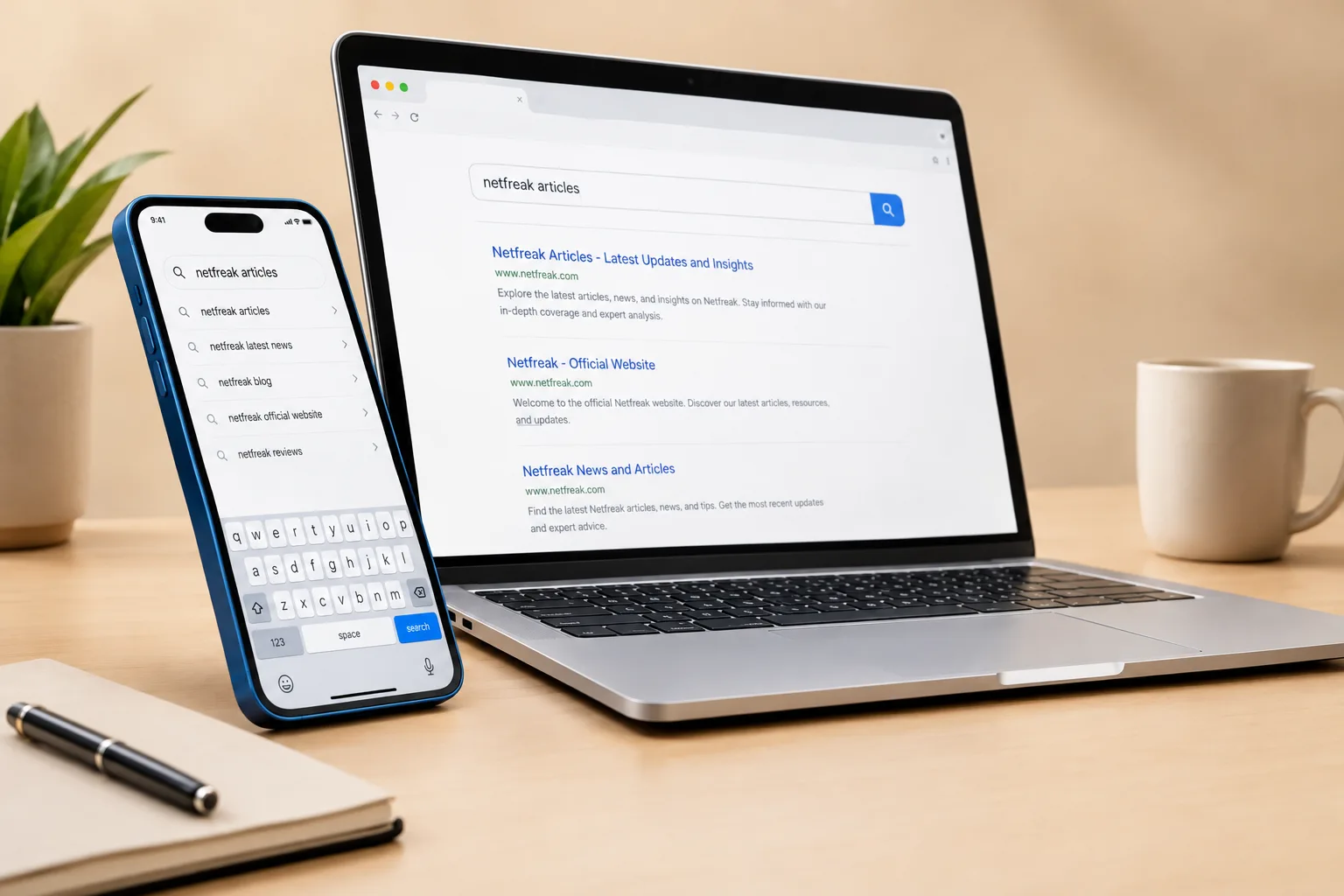
The fastest way to find articles from a particular website is to use Google’s site: search operator. Type site:inetfreak.com followed by the topic you want to research. For example, site:inetfreak.com smartphone privacy limits the results to pages that Google has indexed from the inetfreak.com domain.
You can make the search more precise by using a phrase in quotation marks. A search for site:inetfreak.com "Christmas tech gifts" looks for pages containing that exact phrase. This is useful when you remember part of an article title but do not know the complete URL.
Topic keywords also work well. Try searches such as:
site:inetfreak.com Black Friday 2026for seasonal shopping advice.site:inetfreak.com winter smartphone batteryfor cold-weather phone guidance.site:inetfreak.com smartwatch privacyfor health data and wearable security topics.site:inetfreak.com laptop work study 2026for computer buying advice.
Google also allows date-based searching. After entering your query, select the search tools and choose a recent time period, such as the past year or a custom range. For articles connected to autumn 2026, a custom date range can help you focus on pages published or updated during the current season.
Remember that search filters are useful but not perfect. A page may be newly updated without appearing as a brand-new article, while an older page may still rank highly because it answers the search query well. Always open the page and check its displayed publication or update date.
site:inetfreak.com. This is usually faster and safer than searching only for the article title without the domain.Find Seasonal Netfreak Coverage for Autumn, Black Friday and Christmas 2026
Autumn is one of the busiest periods for technology research. New smartphones, laptops and accessories often arrive before the holiday shopping season, while retailers begin promoting Black Friday and Cyber Monday campaigns. In 2026, people may search for Netfreak coverage about real discounts, device launches, winter accessories and Christmas gift ideas.
To find relevant pages, combine the domain with seasonal terms. Useful searches include site:inetfreak.com "Black Friday 2026", site:inetfreak.com "Cyber Monday 2026" and site:inetfreak.com Christmas gifts 2026. If you are looking for weather-related advice, try site:inetfreak.com winter tech gear or site:inetfreak.com smartphone winter battery.
These searches can lead you to different types of content. A Black Friday article may explain how to compare the current price with a product’s previous price. A Christmas gift guide may compare headphones, smartwatches or phones for different users. A winter technology article may focus on charging, battery performance, protective cases or safe travel with electronics.
Seasonal searches require extra care because similar topics return every year. An article mentioning “Christmas gifts” may have been written for an earlier holiday season. That does not automatically make it useless, but prices, software support, phone models and retailer policies may have changed since publication.
How to separate current and older seasonal articles
First, read the year in the headline and URL if one is included. Next, check the article’s date and look for references to current devices, current operating systems and 2026 shopping events. If a page recommends a product that is several years old, confirm whether the advice is still relevant before using it for a purchase.
For example, a 2026 Black Friday guide should ideally discuss pricing patterns or products available during the 2026 sales period. It should not be treated as a live deal tracker unless the page clearly says that prices and availability are being updated.
For wider seasonal advice, you can also read Netfreak’s guide to winter tech gear for 2026. Use it alongside retailer information, because store prices and stock can change quickly during November and December.
Check Whether a Result Really Belongs to Netfreak
A genuine result should lead to the correct domain: inetfreak.com. Look closely at the spelling. Small changes can be difficult to notice on a phone screen, especially when a suspicious website uses an extra letter, a different top-level domain or a hyphenated version of the brand name.
HTTPS is another basic check. The address should begin with https://inetfreak.com/, and your browser should show its normal secure connection indicator. HTTPS helps protect the connection, but it does not guarantee that every article is accurate or that a lookalike domain is trustworthy. A fraudulent website can also use HTTPS.
Inspect the complete URL before reading or sharing the article. A real page normally has a clear article path after the domain. If the address contains unusual spelling, excessive random characters, unexpected redirects or a different domain after clicking, stop and investigate further.
Page branding provides another useful clue. Check whether the site uses the Netfreak name consistently in the header, title, navigation and footer. Look for links to other articles, an about page, contact information and a normal category structure. A copied page may imitate the colors and headline style but contain broken menus, missing images or links that lead somewhere unrelated.
Do not trust a screenshot of a search result as proof. Search previews can display an incomplete title, an old description or text taken from a page that has since changed. Open the result directly and confirm that the article exists on the official domain.
Suspicious pages may also use urgent language such as “click now,” “exclusive secret deal” or “guaranteed profit.” Technology journalism and buying advice should give you enough information to make a decision, not pressure you into entering payment details or downloading unknown software. If a page asks for sensitive information simply to read an article, treat that as a warning sign.
Verify an Article’s Freshness, Source and Editorial Context
Finding an article on the correct domain is only the first step. You should also decide whether its information is current and supported. Begin with the publication date and any update date near the headline. An update date is useful, but it should be supported by visible changes to the content, not used only as a label.
Then examine the author information. A named author, editorial page or clear site identity gives the article more context. It also helps you understand whether the page is a news report, an opinion piece, a buying guide or a practical tutorial. Each format has a different purpose and level of certainty.
Product and event details should match the date of the article. Look for the exact device name, launch market, operating system version, processor generation and availability information. A phone announced in one country may not be available in Slovakia at the same time. Similarly, a retailer’s Black Friday promotion may apply only to a specific store, region or limited period.
Primary sources are particularly important for launch news and technical claims. These may include official manufacturer announcements, product pages, regulatory filings, event pages or statements from a company representative. If an article discusses a rumour or leak, it should be presented as unconfirmed rather than as a guaranteed specification or launch date.
External links can help you verify the context, but they also deserve inspection. Make sure a linked source is relevant to the claim being made. A link to a product page may confirm that a device exists, but it may not confirm the claimed price, battery life or performance. For purchasing decisions, compare information with the manufacturer, reputable retailers and independent testing where possible.
Pay attention to wording. “Reportedly,” “expected,” and “may” indicate uncertainty, while definitive language suggests a confirmed fact. When a page combines confirmed information with rumours, separate those parts before sharing the article with someone else.
Use a Quick Netfreak Verification Checklist Before Sharing or Acting
Before sharing a Netfreak article or using it to make a buying decision, complete a short verification process. It should take only a minute or two, but it can prevent confusion during the busy autumn and Christmas shopping period.
- Confirm that the address is exactly
inetfreak.comand begins with HTTPS. - Read the full article URL instead of trusting only the search result preview.
- Check the headline, publication date and update date.
- Compare the article’s device names, prices and event dates with current information.
- Look for author details, editorial context and links to primary sources.
- Decide whether the page is an original article, a search preview or an unofficial repost.
- Be cautious if the page redirects, requests unusual personal information or uses a suspicious lookalike domain.
An original article is normally accessible through the website’s own navigation and has a consistent layout, title and URL. A search preview is not the article itself; it is only a short extract supplied by the search engine. An unofficial repost may copy the headline or paragraphs while changing the domain, removing attribution or adding misleading advertisements.
If you are checking a Black Friday or Cyber Monday recommendation, verify the price directly with the retailer before buying. Discounts can expire, stock can disappear and product versions may differ by storage size, color or region. A Netfreak article can help you understand what to compare, but the retailer remains the final source for current checkout information.
For Christmas gifts, also confirm compatibility and support. A smartwatch may work differently with Android and iPhone, while a laptop accessory may require a specific port. A few minutes of checking can avoid an unsuitable gift and a difficult return during the holiday period.
Want more practical technology guidance for the 2026 shopping season? Explore trusted Netfreak coverage and verify each article before you act.
Bottom line
The safest way to find Netfreak articles is to search with site:inetfreak.com, open the exact inetfreak.com page and inspect its date, branding and sources. Seasonal topics such as Black Friday 2026, Cyber Monday, Christmas gifts and winter technology deserve additional care because older advice can look current in search results.
Never rely on a headline or search preview alone. Confirm the domain, read the complete URL, check the article’s freshness and compare important claims with primary sources. This simple routine helps you find genuine Netfreak content and make better-informed technology decisions throughout autumn and the Christmas shopping season.