Christmas travel in 2026 often means carrying more technology than ever, from smartphones and laptops to wireless headphones, smartwatches and power banks. Whether you are flying to visit family, driving across the country or staying in a holiday home, careful packing can prevent cracked screens, lost chargers, flat batteries and stressful security checks.
What to Pack for Christmas Travel in 2026
The best travel setup is not the one with the most gadgets. It is the one that covers your communication, navigation, entertainment and work needs without filling every pocket of your luggage. Before packing, decide which devices you will genuinely use during the journey and which can stay at home.
A smartphone is usually the most important item because it combines tickets, maps, communication, banking, photography and emergency access. A tablet can be useful for films, reading and children’s entertainment, while a laptop is necessary if you must work during the holidays. If you are travelling for several days, wireless headphones, a smartwatch and an e-reader may also be practical, but each additional device creates another charging and security responsibility.
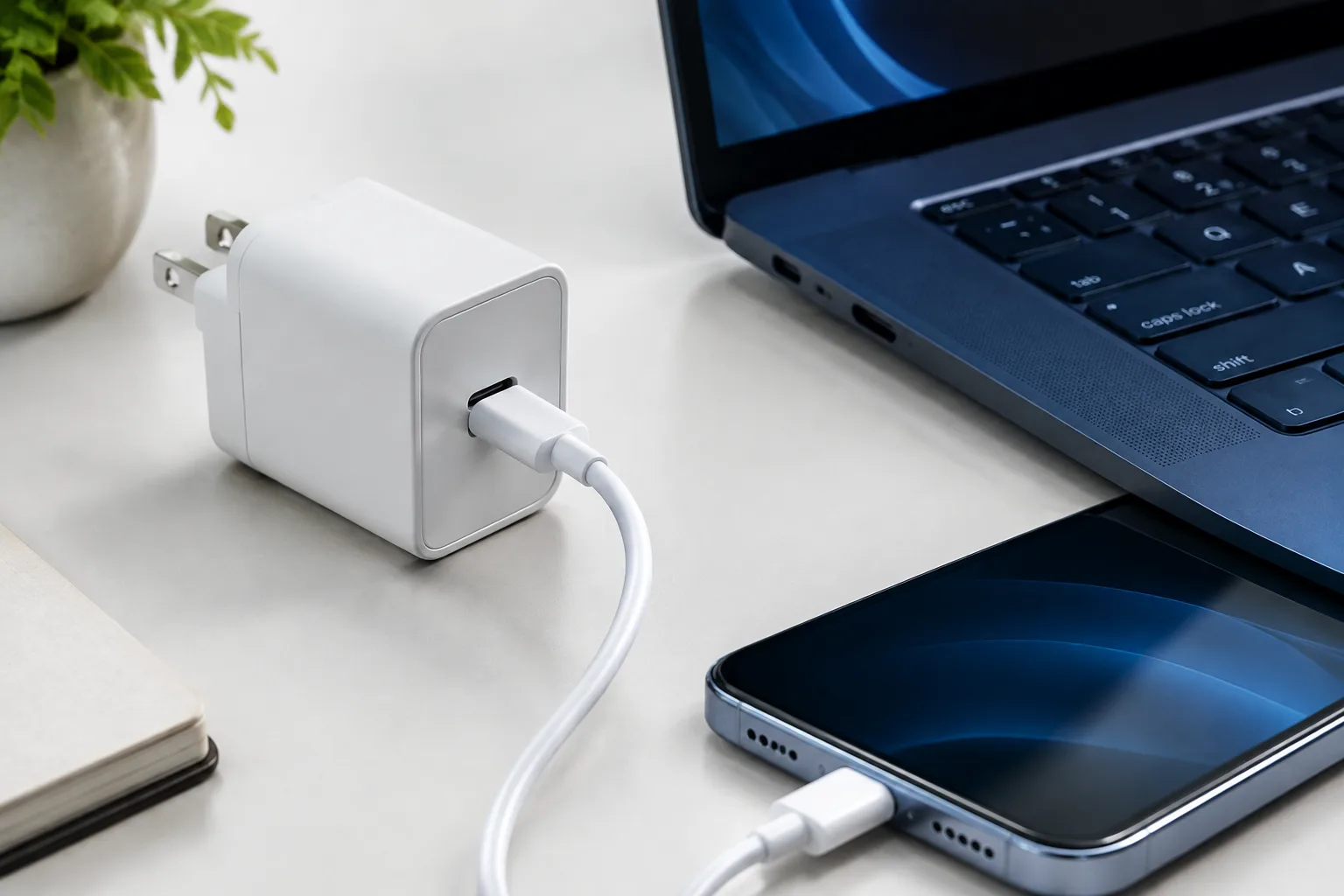
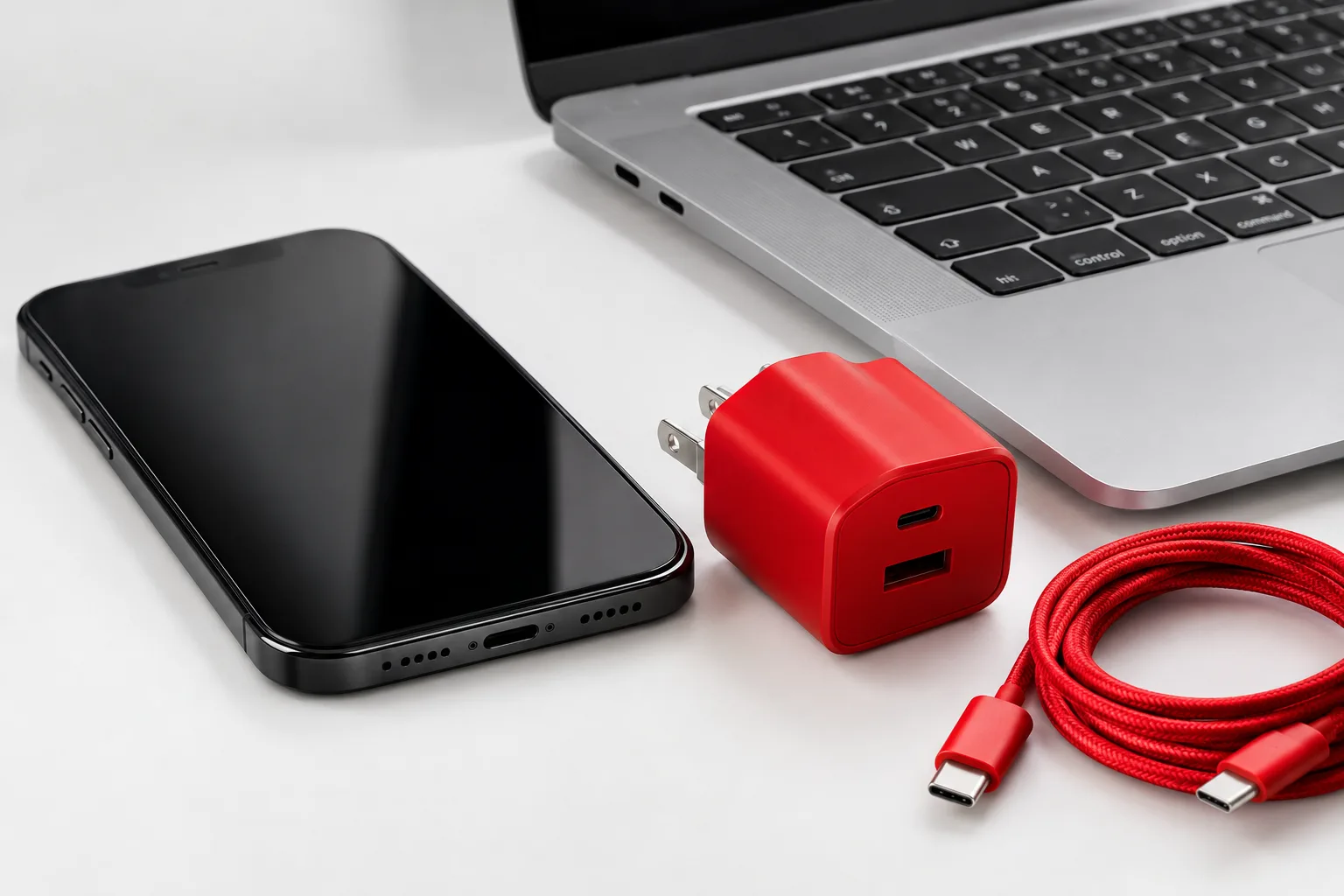
Your basic charging kit should match the devices you actually bring. Pack the correct USB-C or Lightning cables, a wall charger with enough ports, a compact power bank and a travel adapter if you are crossing borders. A small cable organiser prevents wires from becoming tangled at the bottom of your bag and makes it easier to find the right cable at an airport or hotel.
For a road trip, a reliable car charger can be more useful than a second wall charger. However, check that it supports the required charging standard and does not become unusually hot. If you are visiting relatives, ask whether their home uses the same plug type and whether spare chargers are available before you leave.
Cold weather is another consideration for Christmas travel. Batteries can lose performance quickly in freezing conditions, especially when a phone is used outdoors for maps or boarding information. Our Winter Tech Gear Guide for 2026 explains which cases, gloves, chargers and power banks are useful in colder conditions.
How to Pack Phones, Laptops and Tablets Without Damage
Electronics are most vulnerable when luggage is squeezed, dropped or placed under heavy items. A phone in a coat pocket can collide with keys, while a laptop placed at the bottom of a suitcase can suffer pressure when the case is closed. Protection starts with choosing the right compartment rather than simply adding more padding.
Use the right case for each device
Every smartphone should have a protective case with raised edges around the screen and camera. A screen protector can reduce scratches, but it cannot make a phone completely impact-proof. Keep the phone away from coins, keys and metal accessories, especially when it is stored in a shared travel pouch.
Laptops and tablets should travel in a fitted sleeve with padding on all sides. Put the device in the centre of your carry-on bag, not in an outside pocket that can hit a chair, luggage trolley or airport floor. Do not place heavy books, cameras or bottles directly on top of a laptop because pressure can damage the display or bend the lid.
Close laptops fully before placing them in a sleeve and avoid storing pens, charging plugs or headphones between the keyboard and screen. Small objects trapped inside can leave marks on the display or place pressure on the hinges. Tablets should also be stored separately from hard objects, even if they have a sturdy cover.
Protect against moisture and temperature changes
Snow, rain and condensation can create problems when electronics move between a cold airport and a warm car or hotel. Keep devices in a sealed inner compartment when walking outside and dry wet bags before opening them. If a cold laptop or phone enters a warm room, allow it to reach room temperature before intensive use or charging if condensation may have formed.
Never pack a device next to an open drink bottle, cosmetics or food that can leak. A simple waterproof pouch can protect cables and accessories from moisture, but it should not be used to seal a wet device until the device has been properly dried.
Organise cables before they become a problem
Wrap cables loosely rather than folding them sharply near the connector. Repeated tight bends can damage the internal wires, causing intermittent charging or overheating. Label similar USB-C cables if several family members are travelling together, because cables may support different charging speeds even when their connectors look identical.
Keep the laptop charger with the laptop if you may need to remove both at airport security. Place power banks in a separate, visible pocket so you can find them quickly and avoid accidentally leaving them inside checked luggage.
Airline Rules for Electronics, Chargers and Lithium Batteries
Airline policies for electronics and batteries can differ, and rules can change during the year. Before travelling in December 2026, check the latest guidance from your airline, departure airport and any connecting carriers. The information printed on an older ticket or remembered from a previous trip may no longer be accurate.
In general, phones, tablets, laptops, cameras and power banks should be carried in hand luggage rather than checked baggage. Spare lithium batteries and power banks are normally required to remain in the cabin because a battery problem can be detected and managed more quickly there. A power bank left in a checked suitcase may be removed or delay the bag.
Keep spare batteries protected from short circuits. Their terminals should not touch keys, coins or other metal objects. Original packaging is useful, but a dedicated battery case or individual protective pouch can also help. Do not carry a damaged, swollen or unusually hot battery.
Prepare for the security screening
At some airports, travellers may need to remove laptops and larger electronics from their bags. Other airports use newer scanners that allow devices to remain inside. Follow the instructions displayed at the security lane rather than assuming the procedure will be the same on the return journey.
Chargers and cables can normally remain in hand luggage, but keeping them organised makes inspections faster. If an officer asks about a power bank, the capacity marking should be visible where possible. Airlines may apply limits based on watt-hours, and higher-capacity batteries may require advance approval or may not be accepted at all.
Do not rely on a general rule for every airline. Look up the permitted power-bank capacity, the maximum number of spare batteries and the requirements for damaged or recalled devices before departure. This is particularly important if you are carrying professional camera batteries, drone batteries or a large laptop power pack.
During the flight, keep power banks accessible and follow crew instructions. Do not use a battery that becomes hot, smells unusual or appears damaged. Tell cabin crew immediately if you notice a battery problem instead of placing the device back into your bag.
Charging Devices at Airports, Hotels and Holiday Homes
Holiday charging is often difficult because several people need the same socket at the same time. A certified multi-port charger can reduce clutter, provided it has enough power for the devices connected to it. A charger with USB-C Power Delivery is useful for newer phones, tablets and laptops, while lower-powered USB ports may be adequate for watches and headphones.
Travel adapters are essential when the plug standard changes between countries. Choose an adapter from a reputable manufacturer and check whether it supports the voltage used at your destination. An adapter changes the plug shape, but it does not automatically convert the voltage for every appliance. Most modern phone and laptop chargers support a wide input range, but confirm the label before plugging them in.
Public USB ports at airports, stations and hotels may be convenient, but a wall charger connected to a normal electrical outlet gives you more control. If you must use a public USB port, consider using a USB data blocker or charge-only cable. Avoid connecting your phone to unfamiliar computers or accepting prompts that request access to photos, files or contacts.
Do not overload extension leads, especially in older holiday homes. High-power heaters, kettles and hairdryers should not share an unsuitable extension with chargers. Check for damaged cables, loose sockets and unusual heat. A charger that becomes warm during normal use can be acceptable, but excessive heat, buzzing or a burning smell means it should be unplugged immediately.
Charge power banks while you are awake and nearby rather than leaving them under a pillow or inside a closed suitcase. Keep vents clear and place charging devices on a hard, stable surface. Avoid charging a phone beneath blankets because trapped heat can shorten battery life and create a safety risk.
Prepare your devices before the Christmas rush and travel with fewer surprises.
A Christmas Electronics Travel Checklist Before You Leave
A final check one or two days before departure can prevent many common holiday problems. Do not wait until you are standing at the airport to discover that a boarding pass is unavailable offline, a laptop update has started or a cable no longer works.
- Install important software and security updates while you still have reliable Wi-Fi.
- Back up photos, documents, contacts and other important files to a trusted cloud service or encrypted storage.
- Download boarding passes, hotel details, travel insurance information, tickets and emergency contacts for offline access.
- Save offline maps for the destination and the route between the airport, station, hotel and holiday home.
- Turn on device tracking features and confirm that your recovery phone number or email address is current.
- Use a strong screen lock and enable biometric security without relying on an easily guessed code.
- Check account recovery options and avoid signing into sensitive services on unfamiliar public computers.
- Charge your main phone, headphones, laptop and power bank before leaving home.
- Test every cable and charger with the correct device instead of assuming that all similar cables work equally well.
- Confirm your airline’s latest rules for laptops, power banks, spare batteries and cabin baggage.
- Photograph serial numbers or save device details securely in case a device is lost or stolen.
- Pack devices and batteries in carry-on luggage unless the airline specifically permits another arrangement.
On the return journey, repeat the same checks before leaving your Christmas destination. Look under beds, behind sofas and near charging sockets for cables, watches and power banks. Remove personal accounts from shared or borrowed devices, sign out of temporary networks and check that every item is back in its protective case.
Christmas travel should be about time with family and friends, not a last-minute search for a compatible charger. A small amount of planning keeps your electronics protected, your batteries available and your personal information safer throughout the journey.
Verdict: Pack Less, Protect More and Check the Rules
The most reliable Christmas electronics strategy for 2026 is simple: take only the devices you need, protect them with suitable cases and sleeves, keep lithium batteries in your carry-on and use safe, certified charging equipment. Download important travel information before leaving, back up valuable data and verify airline rules shortly before departure.
With a compact organiser, tested cables, a suitable charger and a final security check, your phone, laptop and other devices can support the holiday rather than complicate it. Good preparation also makes the journey home easier, especially when luggage is fuller and airport queues are longer.