Winter Tech Gear Guide 2026: Cases, Gloves, Chargers and Power Banks for Cold Weather
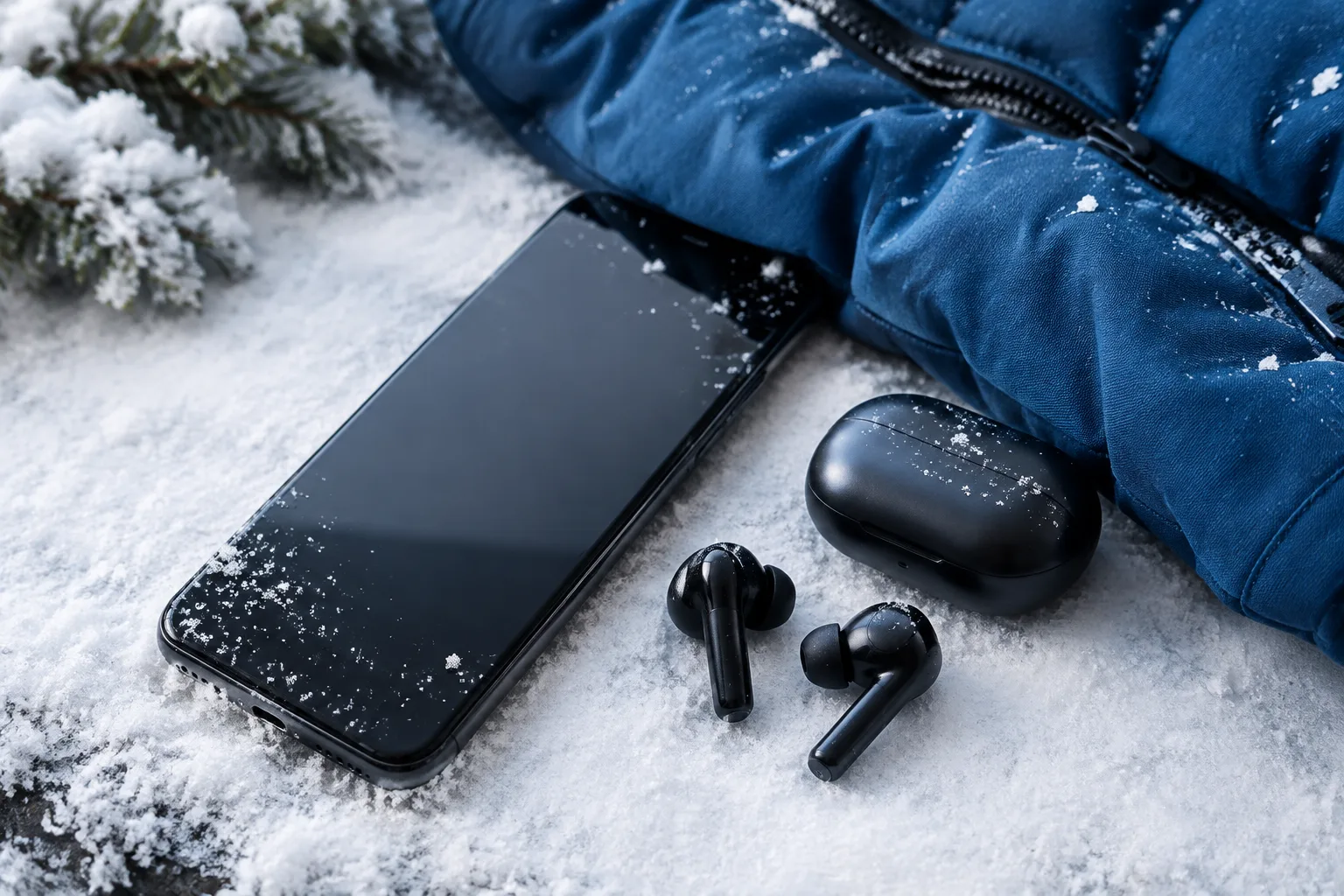
Cold weather can make everyday technology less comfortable and less reliable. A frozen phone battery drains faster, wet snow can damage a laptop bag, and ordinary gloves often make touchscreen controls impossible. As autumn turns into winter on 11 November 2026, the right combination of protective cases, touchscreen gloves, dependable chargers and suitable power banks can make commuting, Christmas travel and outdoor work much easier.
Winter equipment does not need to be expensive or complicated. The important thing is to match each accessory to your routine. A city commuter may need water resistance and easy access, while someone working outdoors may prioritise grip, insulation and a rugged power bank. Before Black Friday and Christmas shopping begin, use the following guide to build a practical winter technology kit.
What to Look for in Winter-Proof Laptop and Phone Cases
A winter case should protect more than the device from accidental drops. It should also reduce exposure to rain, snow, condensation, dirt and sudden temperature changes. Look for materials such as padded polyester, neoprene, rubberised fabric or sealed synthetic leather. These materials can provide useful insulation and help prevent moisture from reaching the phone or laptop.
Insulation, waterproofing and shock protection
Insulation is particularly helpful when a laptop travels between a warm office and a cold street. It does not make the device safe to use in freezing conditions indefinitely, but it slows down temperature changes. A padded sleeve can also prevent a cold metal laptop from touching other wet or hard objects inside a backpack.
Water resistance is more useful than a simple claim that a case is “winter-proof”. Check whether the product has a stated water-resistant rating, coated fabric, sealed seams or a waterproof zip. A fully waterproof design is preferable for cycling, hiking and outdoor work, while a water-resistant sleeve is usually enough for a short walk between public transport and an office.
Shock protection matters because winter clothing can make bags awkward to handle. A case with reinforced corners, dense foam and a soft inner lining can protect a laptop from damage when it is placed heavily on the ground. For phones, raised edges around the screen and camera are valuable when the device is used with cold or wet hands.
Zips, screen covers and compatibility
Zips should move smoothly without forcing them over thick fabric. Rubber-coated or covered zips help keep out light rain and snow. However, no zip is automatically waterproof, so avoid leaving a case exposed to heavy precipitation for long periods.
A phone case with a screen cover can provide extra protection against moisture and scratches, but it must remain responsive with your chosen screen protector. A cover that is too thick may reduce touch accuracy, especially when you are wearing gloves. Laptop sleeves should leave enough space for the computer without allowing it to slide around. Measure the actual device, including its thickness and any permanent accessories, instead of relying only on the advertised screen size.
For more battery and temperature advice, read How to Prepare Your Smartphone for Winter before taking a phone outside for long periods.
Best Winter Gloves for Using Touchscreens
Winter gloves have different priorities, and no single design is perfect for every situation. A thin conductive-fibre glove may offer excellent touchscreen accuracy but limited warmth. A heated glove can keep fingers comfortable in very low temperatures but may be bulkier and require regular charging. Grip-focused gloves are useful for cycling, carrying bags or handling tools, although their touchscreen performance varies.
Conductive-fibre gloves
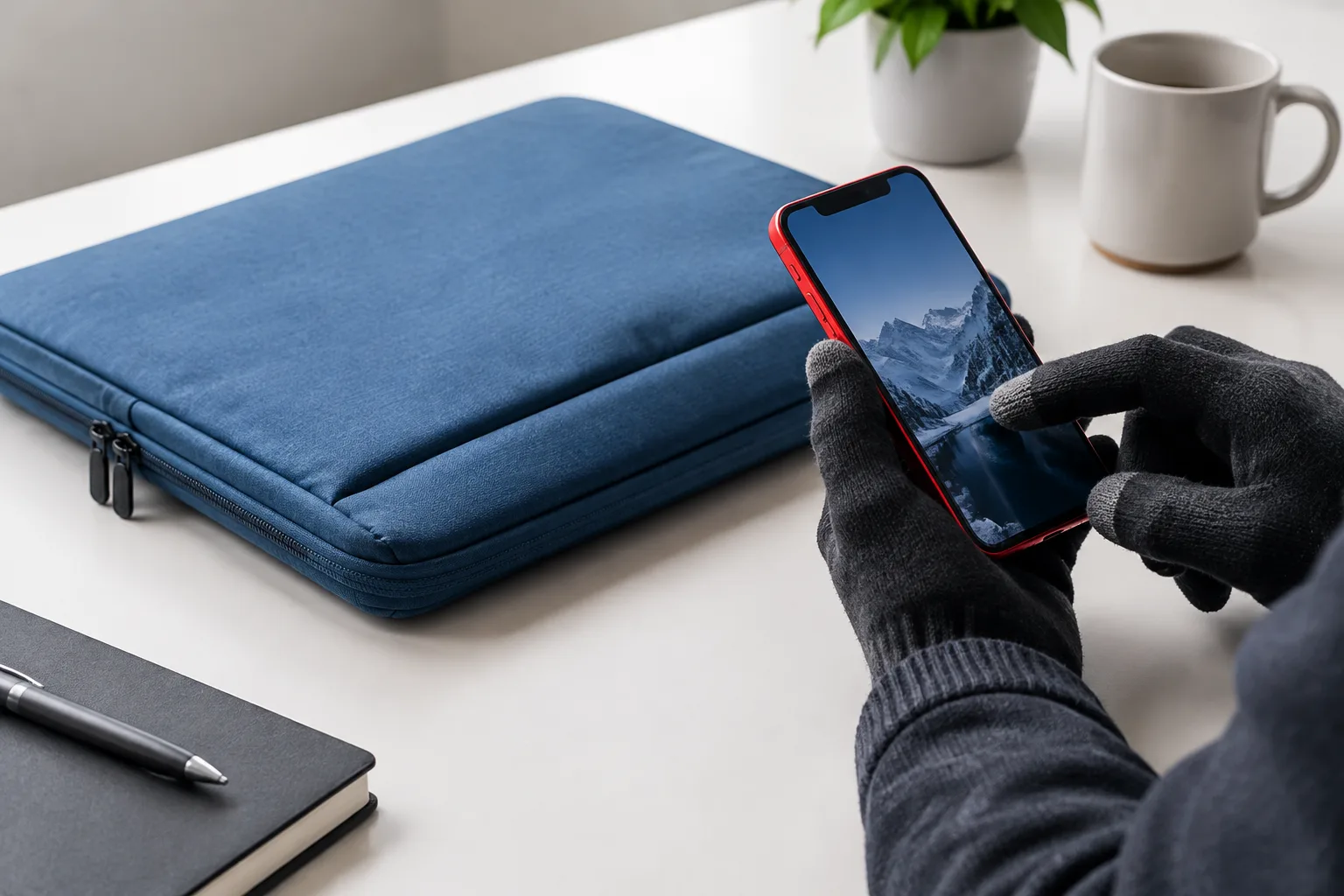
Conductive-fibre gloves use special material on the fingertips to transfer the electrical signal required by a capacitive touchscreen. They are usually the best option for commuters who need to unlock a phone, check a transport app or answer a message quickly.
Accuracy depends on the quality and placement of the conductive fibres. Some gloves work only with the thumb and index finger, while others have conductive material on all fingertips. Thin designs provide better dexterity, but they may not be warm enough for waiting at an exposed bus stop. Touchscreen performance can also fall when the fabric becomes wet, stretched or dirty.
Heated and grip-focused gloves
Heated gloves contain battery-powered heating elements, usually around the back of the hand and fingers. They are useful for delivery workers, photographers, event staff and anyone who spends long periods outdoors. Check the battery position, heating levels, charging time and expected runtime. A glove that lasts only two hours on its highest setting may be less practical than a well-insulated glove used with a pocket hand warmer.
Grip-focused gloves often use silicone patterns, textured palms or reinforced fingertips. They are a strong choice for cyclists and outdoor workers because they reduce slipping when handling handlebars, luggage or equipment. Their touchscreen capability may be limited, so check whether the fingertips are explicitly described as conductive.
Wet-weather performance deserves attention. Wool can feel warm but may lose shape when wet, while synthetic insulation normally dries faster. Water-resistant fabric is useful in snow and light rain, but it does not mean the gloves can be submerged. Look for an adjustable wrist cuff that prevents cold air and snow from entering.
Chargers That Work Reliably in Cold Weather
Chargers are generally designed for indoor use at normal room temperatures, so the main winter problem is usually the environment around the charger rather than the charging technology itself. A compact wall charger with USB-C Power Delivery is a sensible foundation for most modern phones, tablets and many laptops.
USB-C Power Delivery, often called USB-C PD, allows compatible devices and chargers to negotiate an appropriate voltage and current. For a phone, a charger between 20 W and 30 W is commonly sufficient. A tablet or lightweight laptop may need 45 W, 65 W or more. Always compare the charger output with the requirements printed on the original adapter or in the device specifications.
Home, office and car charging
A small single-port charger is convenient beside a bed or in a travel bag. A multi-port model is better for a home office, hotel room or family Christmas trip, especially when several phones, earbuds and watches need charging at the same time. Check the total output because some chargers reduce power when multiple ports are active.
For cars, use a reputable USB-C car charger with the correct output for your device. Avoid loose adapters that become hot, disconnect easily or have no clear safety information. Keep the charger and cable away from snow, spilled drinks and condensation. A car charger should not be used as a substitute for an emergency power plan because the vehicle battery may be weak during freezing weather.
Cold-weather charging precautions
Do not charge a phone, laptop or power bank immediately after it has been outside in freezing conditions. Let it warm gradually inside a dry bag or indoors. Charging a very cold lithium-ion battery can cause stress or permanent damage, and charging a wet connector can create a safety risk.
Use cables with a strong outer coating and strain relief because cold temperatures can make some plastics less flexible. Keep spare cables in an inner pocket rather than in an unprotected external compartment. During winter travel, a charger with a folding plug, compact shape and universal voltage support is easier to pack and use.
Choosing a Cold-Weather Power Bank
A power bank is useful when public transport is delayed, a flight is cancelled or a phone battery drains faster than expected outdoors. Capacity is normally listed in milliamp-hours, but the actual energy delivered is lower than the headline number because of voltage conversion and charging losses. A 10,000 mAh model is a practical everyday size, while a 20,000 mAh model offers more reserve for travel or several devices.
Charging speed is also important. Look for USB-C input and output, with Power Delivery if your phone or laptop supports it. A power bank that can deliver 20 W to 30 W is suitable for many smartphones. Larger laptops may require a 65 W or higher output and a power bank specifically designed for laptop charging.
Low-temperature limits and rugged construction
Most power banks perform best at moderate temperatures. In the cold, their available capacity may fall and the battery may temporarily appear to drain quickly. Keep the power bank close to your body inside a coat pocket or an insulated section of your bag. Do not leave it overnight in a freezing car or charge it while it is still extremely cold.
Rugged construction is useful for winter travel. Look for a textured exterior, protected ports, a covered button and some level of splash or dust resistance. Built-in cables reduce the chance of forgetting a separate lead, while an integrated torch can help during a dark walk or roadside emergency. These features are practical, but they should not replace a clear capacity rating and trustworthy safety documentation.
Pass-through charging allows the power bank to charge while it also charges another device. This can be convenient in a hotel room, but it may create more heat and is not supported equally by all models. Use it only when the manufacturer confirms the feature and avoid covering the power bank with clothing during operation.
Winter Tech Kits for Commuters, Travellers and Remote Workers
A commuter travelling by bus or train usually needs a slim phone case, conductive-fibre gloves, a 20 W or 30 W USB-C charger and a 10,000 mAh power bank. The kit should fit into an inside coat pocket or a small section of a work bag. A short, durable USB-C cable helps prevent tangles and keeps the bag light.
Christmas travellers need more capacity and flexibility. Airports, railway stations and hotels may have limited sockets, so a 20,000 mAh power bank, multi-port charger and protective organiser can be worthwhile. Keep batteries in hand luggage when flying and follow the airline’s current rules for lithium-ion power banks. During the busy December travel period, label cables and chargers clearly so they are not left behind at a charging station.
Remote workers who move between home, cafés and temporary offices should prioritise laptop protection. A padded water-resistant sleeve, compact laptop-capable USB-C charger and power bank with sufficient wattage create a useful mobile workstation. Add gloves only if the journey involves significant outdoor time, because typing in thick gloves is usually uncomfortable.
Outdoor workers need a different balance. Choose a rugged phone case, gloves with reliable grip, a sealed power bank and a charger stored in a waterproof pouch. Test every item before a demanding day outside. A new glove that works in a shop may be difficult to use with a wet phone, and a power bank may not provide enough output for a laptop in real conditions.
Planning a broader technology gift list for the festive season? Compare practical ideas for different ages and budgets before you start shopping.
Winter Buying Checklist for Black Friday and Christmas 2026
Black Friday falls on 27 November in 2026, followed by Cyber Monday on 30 November. These events can be useful for buying winter technology accessories, but a discount is valuable only when the product is suitable and safe.
Start by checking compatibility. Confirm your phone model, laptop dimensions, USB-C charging requirements, maximum wattage and connector type. A case made for a similar-looking phone may cover the camera, mute a microphone or prevent wireless charging. A charger with a familiar USB-C port is not automatically powerful enough for every laptop.
Next, check safety information. Chargers and power banks should include clear manufacturer details, electrical ratings and appropriate certification for the market where they are sold. Avoid suspiciously cheap products with vague specifications, poor translations, missing warranty information or copied-looking packaging.
Review the warranty and return policy before buying. Gloves should be returnable if the touchscreen function is unreliable, and cases should be returnable if the fit is wrong. For online purchases, compare the current price with the product’s previous price and check several reputable retailers. A large percentage discount can be misleading when the earlier price was inflated.
Finally, judge cold-weather performance realistically. No ordinary case makes a phone waterproof forever, no touchscreen glove matches bare fingers perfectly, and no power bank keeps its full capacity in freezing conditions. The best winter accessory is the one that fits your device, your routine and the conditions you actually face.
Bottom Line
The most useful winter technology kit combines protection, warmth and reliable power rather than chasing the highest specifications. Choose a padded water-resistant case for your laptop, a well-fitting phone case with raised edges, conductive gloves for regular commuting and a USB-C PD charger matched to your devices. Add a 10,000 mAh power bank for daily use or a rugged 20,000 mAh model for longer journeys.
In winter 2026, the smartest Black Friday and Christmas purchase will be a compatible, safety-focused accessory that performs consistently in rain, snow and low temperatures. Keep batteries warm, allow cold devices to acclimatise before charging, and test the complete kit before you depend on it for work or travel.