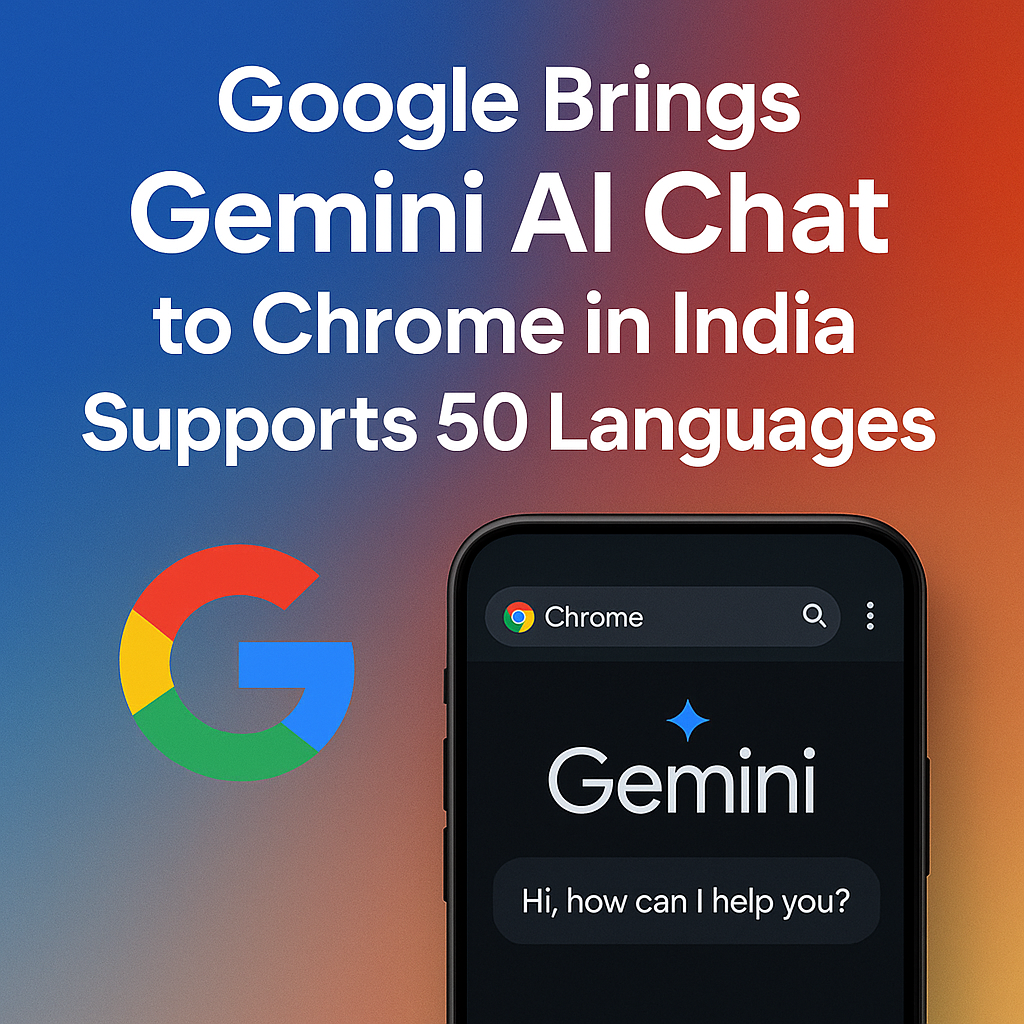
Google is expanding the reach of its generative AI assistant by bringing the Gemini AI chat experience directly into Chrome for users in India, with support for 50 languages. The move signals a major step toward making AI assistance more accessible inside the browser—where people already search, read, shop, study, and work. By embedding Gemini chat in Chrome, Google aims to reduce friction between “having a question” and “getting a useful answer,” especially for multilingual users who prefer interacting in their native language.
Google Gemini AI Chat Arrives in Chrome for India
Chrome has long been the gateway to the web for millions of Indians, and adding Gemini chat inside the browser changes how users can interact with online information. Instead of switching between tabs, copying text into separate tools, or relying solely on search results, users can engage with Gemini to summarize pages, explain concepts, translate content, draft responses, and refine ideas—often without leaving the page they are viewing.
India is a natural focus market for this kind of rollout because it is one of the world’s most multilingual digital ecosystems. With a wide range of languages used for education, business, and everyday communication, built-in AI chat that supports many languages can help close the gap between English-first web content and local-language needs.
What “Gemini AI Chat in Chrome” Actually Means
Gemini AI chat in Chrome generally refers to an in-browser conversational assistant that can help users with tasks related to what they are doing online. While specific availability and placement can vary by device, Chrome version, and account settings, the core idea is the same: a chat interface is accessible from within Chrome so users can ask questions and receive AI-generated responses more quickly than traditional workflows.
Common ways users may interact with Gemini in Chrome
- Ask questions about what you’re reading: Get explanations, definitions, or context for terms and topics on a webpage.
- Summarize long articles: Request a brief summary, bullet points, or key takeaways to save time.
- Rewrite and draft content: Generate email drafts, social captions, or rewritten paragraphs based on prompts.
- Translate and localize: Convert text to another language or adjust tone and phrasing for local audiences.
- Compare options: Ask for a pros-and-cons breakdown while researching products, travel, or services.
50-Language Support: Why It Matters in India
AI becomes dramatically more useful when it speaks the user’s language fluently. India’s internet population spans metropolitan users who are comfortable in English and regional users who prefer Hindi, Tamil, Telugu, Bengali, Marathi, Gujarati, Kannada, Malayalam, Punjabi, Odia, Assamese, Urdu, and many more. When Gemini chat supports 50 languages, it allows users to communicate naturally instead of translating prompts mentally into English.
Practical benefits of multilingual Gemini chat
- Better comprehension: Complex topics (finance, health, technology, education) become easier to understand in a familiar language.
- More inclusive access: Students and first-time internet users can learn and explore without language barriers.
- Regional content growth: Creators can draft, edit, and brainstorm in local languages, encouraging more high-quality content.
- Faster everyday tasks: From writing messages to translating forms, AI assistance can reduce the time spent on routine work.
- Confidence in communication: Users can ask Gemini to refine phrasing, tone, and clarity when writing in a second language.
Use Cases: How People in India Can Use Gemini Chat in Chrome
The biggest advantage of an AI assistant inside Chrome is speed and context. Since most digital activity happens in a browser, Gemini can support users while they browse instead of making them jump across apps. Below are some common, high-impact use cases tailored to Indian users and workflows.
1) Students and exam preparation
Students can use Gemini chat to break down difficult concepts, create concise notes, and generate practice questions. While reading online study materials, they can ask for summaries, definitions, examples, or step-by-step explanations. Multilingual support is especially valuable for learners who want concept clarity in their native language before switching to English-medium exam formats.
2) Job seekers and professionals
From drafting a resume line to writing a project update email, Gemini chat can assist with professional communication. Users can also paste a job description and ask for relevant skills to highlight, interview questions to practice, or a tailored cover note. In Chrome, these tasks become easier while browsing job portals or company pages.
3) Small businesses, sellers, and creators
India’s small business ecosystem depends heavily on quick content creation—product descriptions, WhatsApp messages to customers, Instagram captions, and marketplace listings. Gemini can help rewrite descriptions for clarity, generate multiple variations, translate to local languages, and maintain a consistent brand tone.
4) Research and everyday decision-making
Users often research phones, laptops, insurance policies, travel routes, or government services through the browser. Gemini chat can help compare options, outline checklists, simplify jargon, and highlight questions to ask before purchasing. When paired with multilingual understanding, it becomes easier to interpret mixed-language pages, reviews, and official documents.
5) Translation and localization on the fly
India’s web experience is frequently bilingual: English terms mixed with regional languages, or regional content that includes English technical vocabulary. Gemini chat can translate content while preserving meaning, and it can also localize content by adjusting tone and phrasing to match how people naturally speak in a given language.
How It Fits Into Google’s Broader AI Strategy
Google has been steadily bringing Gemini capabilities into its products, aiming to make AI assistance available where users already spend time. Chrome is a key surface because it sits at the center of the user’s workflow, connecting Google Search, Gmail, Docs, YouTube, and third-party websites. Embedding Gemini chat in Chrome in India supports a larger push: making AI practical, fast, and accessible to massive populations across different devices and language preferences.
From a product standpoint, this also aligns with how people use AI today. Instead of treating AI like a separate destination, many users want it to be a helpful layer on top of what they’re already doing—reading an article, filling a form, drafting a reply, or planning a purchase.
Privacy, Accuracy, and Responsible Use
As Gemini AI chat becomes more integrated into browsing, users should be aware of two important considerations: privacy and accuracy. AI chat tools can be powerful, but they also require careful use, especially for sensitive personal data and high-stakes decisions.
Tips for safe and effective use
- Avoid sharing sensitive information: Do not paste passwords, OTPs, full bank details, or confidential documents into chat prompts.
- Double-check important outputs: For medical, legal, or financial decisions, treat AI responses as guidance—not final advice.
- Cross-verify sources: Ask for a short list of reputable references or confirm details using official websites.
- Be specific with prompts: Clear prompts produce better results. Include context, desired format, and language preference.
- Use it for drafts, not final truth: Gemini is excellent for brainstorming, summarizing, and rewriting, but it can still make mistakes.
What This Means for Users, Publishers, and the Indian Web
For users, Gemini in Chrome is a productivity upgrade: fewer steps between curiosity and understanding, and faster completion of writing and research tasks. For publishers and content creators, it increases the importance of clear structure and accurate information, because AI summaries and answers often rely on well-organized content. For the Indian web as a whole, multilingual AI can accelerate regional language adoption and encourage more people to participate online—whether they are learning, building businesses, or accessing services.
It also raises expectations: users will increasingly want content that is easy to summarize, easy to translate, and clear in its claims. Websites that prioritize readability, transparency, and helpful formatting may benefit as users rely on AI assistance to navigate information quickly.
How to Get the Most Out of Gemini Chat in Chrome
If Gemini chat is available in your Chrome experience, you can get better results by treating it like a collaborative assistant rather than a simple question-answer tool. It works best when you give it clear instructions and ask follow-up questions.
Prompt ideas you can use right away
- Summaries: “Summarize this page in 5 bullet points in Hindi.”
- Clarity: “Explain this paragraph like I’m a beginner, in Tamil.”
- Comparison: “Compare these two phones by camera, battery, and value for money.”
- Writing help: “Rewrite this email to be polite and concise in English.”
- Translation: “Translate this message to Bengali and keep the tone friendly.”
Conclusion
Google bringing Gemini AI chat to Chrome in India with support for 50 languages marks a meaningful shift toward more inclusive, browser-native AI. It can help users learn faster, work smarter, and interact with the web in the language they are most comfortable with. As AI becomes embedded in everyday tools like Chrome, the biggest winners are likely to be users who combine its speed with careful verification—using it to understand, draft, and decide more efficiently without compromising on accuracy or privacy.
FAQs
1) Is Gemini AI chat in Chrome available to all users in India?
Availability can vary depending on your Chrome version, device type, Google account settings, and the specific rollout phase. If you don’t see it yet, updating Chrome and checking Google’s Gemini-related settings or announcements may help.
2) Which languages are supported with Gemini chat in Chrome in India?
Google states support for 50 languages. The exact list can evolve, but it is designed to cover a wide range of widely used global and regional languages, including many commonly spoken across India.
3) Can Gemini in Chrome summarize and translate webpages?
Yes, Gemini chat is commonly used for summarizing content, extracting key points, and translating or rewriting text into different languages and tones, depending on what features are enabled in your Chrome experience.
4) Is Gemini chat in Chrome free to use?
Some Gemini features may be available at no cost, while advanced capabilities could depend on your account, region, or subscription tier. Pricing and feature access can change over time, so it’s best to check the current options within Google’s Gemini or Chrome settings.
5) Is it safe to share personal information with Gemini chat inside Chrome?
It’s best to avoid sharing sensitive personal or financial information in any AI chat tool. Use Gemini for general assistance, drafting, summarization, and translation, and verify important details through official sources.