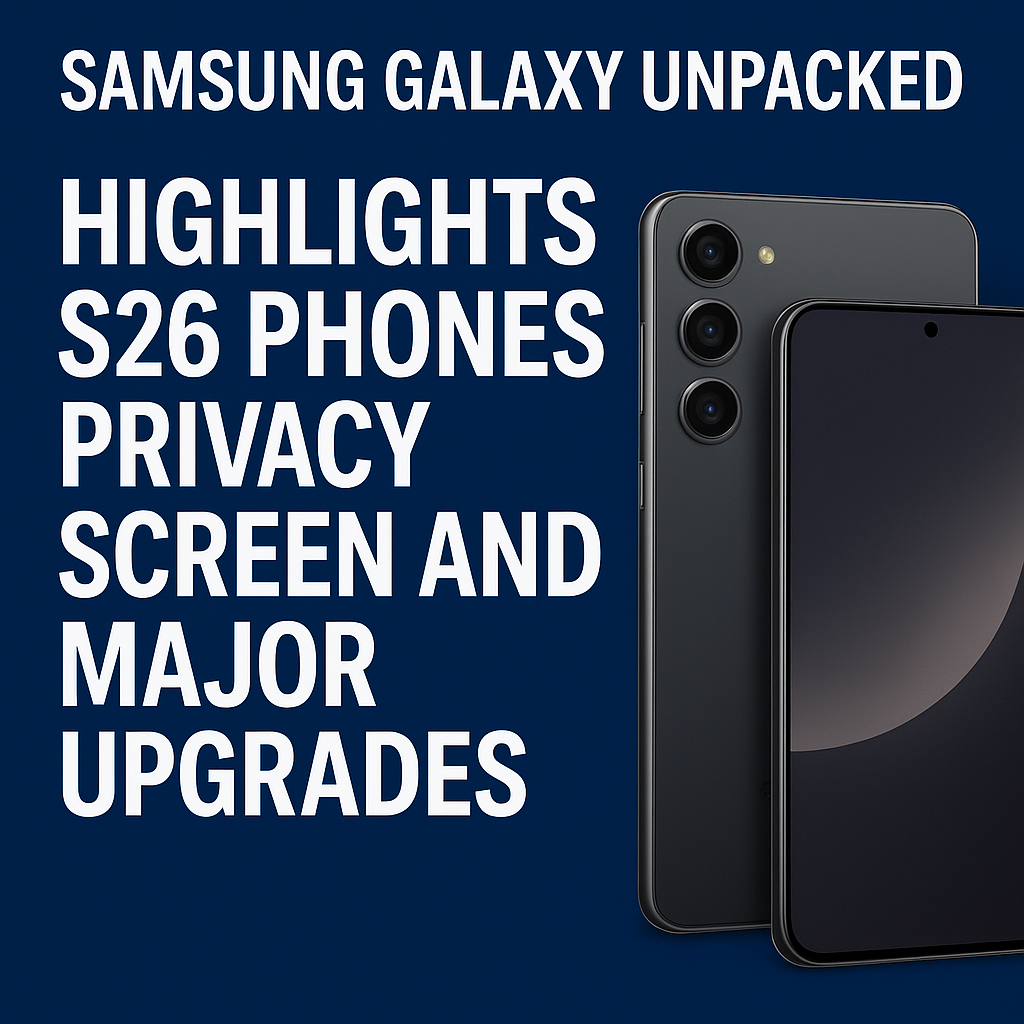
Samsung Galaxy Unpacked delivered a packed slate of announcements, but the spotlight quickly settled on the next wave of Galaxy S26 phones—alongside a new “privacy screen” approach and a set of meaningful upgrades that aim to make daily use faster, smarter, and safer. From brighter displays and camera enhancements to expanded on-device AI and longer software support, the Unpacked highlights suggest Samsung is sharpening its flagship formula while responding to two major user demands: better privacy in public and better performance without sacrificing battery life.
Samsung Galaxy Unpacked: The Big Picture
Galaxy Unpacked events typically blend headline hardware with platform updates, and this one was no different. Samsung emphasized three pillars across its S26 messaging: premium design refinements, camera leadership, and AI that feels practical rather than gimmicky. At the same time, the company leaned heavily into privacy—both through new screen-level protections and deeper controls for on-device processing.
While regional availability and exact configurations can vary, the overall direction is clear: the Galaxy S26 lineup is positioned as a significant iteration with a strong focus on privacy screen features, smarter software, and meaningful quality-of-life improvements.
Galaxy S26 Lineup Highlights
Samsung’s Galaxy S series is usually released in multiple sizes and tiers, and the S26 generation continues that pattern. The emphasis this time is not only on raw specs, but also on how the phones behave in real life—how quickly they open the camera, how readable the display is outdoors, how reliably they connect, and how private they remain when used in crowded spaces.
Design and Build: Subtle Refinements, More Practical Comfort
The S26 phones appear to continue Samsung’s design language—clean lines, premium materials, and slim profiles—while polishing ergonomics. Expect refinements that make the phone easier to hold, more durable against drops and scratches, and better sealed against dust and water.
- Improved durability: stronger glass and frame materials aimed at better drop resistance.
- More comfortable handling: slight adjustments to corners and weight distribution for one-handed use.
- Premium finishes: updated color options and matte textures designed to reduce fingerprints.
Display Upgrades: Brighter, Smoother, and Smarter
The Galaxy S26 display story centers on visibility and efficiency. Brighter peak brightness helps outdoors, while adaptive refresh rates keep scrolling smooth without unnecessarily draining the battery. Samsung also teased smarter display behaviors that interact with privacy features and AI-driven content controls.
- Higher peak brightness: improved outdoor readability for maps, photos, and messaging.
- Adaptive refresh: smoother motion where it matters, more efficiency where it doesn’t.
- Better eye comfort: refinements to blue light reduction and PWM tuning for sensitive users.
The “Privacy Screen” Feature: What It Is and Why It Matters
One of the most discussed Unpacked highlights was Samsung’s “privacy screen” direction for the Galaxy S26 phones. While “privacy screen” can mean different things across the industry, the core goal is consistent: reduce shoulder-surfing and protect sensitive information from people nearby—without forcing the user to constantly dim the display or use awkward viewing filters.
How a Privacy Screen Helps in Everyday Life
Many people now handle private tasks in public: mobile banking, password managers, work emails, medical portals, identity verification, and travel bookings. A privacy screen can help protect:
- Banking balances and transactions when using finance apps on public transport.
- One-time codes (2FA) during logins at cafés or airports.
- Work chats and documents in co-working spaces or open offices.
- Personal messages and photos when sharing a screen for something else.
Privacy Screen Modes and Controls
Samsung’s approach centers on making privacy flexible. Instead of a one-size-fits-all solution, users can toggle modes or set automation rules depending on situation. The most useful implementation is one that is quick to enable, easy to understand, and doesn’t reduce usability more than necessary.
- Quick toggle: turn privacy protection on or off from quick settings.
- App-based rules: automatically apply privacy screen behavior to sensitive apps like banking or password managers.
- Context-aware triggers: potentially enable privacy when you’re in public places, on certain Wi‑Fi networks, or when screen sharing is detected.
Privacy Screen vs. Traditional Screen Protectors
Traditional privacy screen protectors use a physical filter to narrow viewing angles, which can reduce brightness, color accuracy, and touch feel. A software-driven (or display-level) privacy approach can be more adaptable—offering protection when you need it and normal viewing when you don’t. If Samsung’s S26 privacy screen is well executed, it could provide a better balance between security and everyday comfort.
Major Performance Upgrades: Faster, Cooler, More Efficient
Samsung positioned the Galaxy S26 generation as a meaningful step forward in performance. Beyond headline speeds, the focus is on sustained performance—how well the phone holds up during long camera sessions, gaming, navigation, and multitasking without overheating or throttling.
Next-Gen Chipset and Smarter Thermal Management
The S26 series is expected to leverage an updated flagship chipset (varying by region), with improvements in CPU, GPU, and dedicated AI compute. Samsung also emphasized better heat management, which is critical for stable camera quality, consistent gaming frame rates, and faster on-device AI without excessive battery drain.
- Faster app launches: improved responsiveness across daily tasks.
- Better sustained gaming: less thermal throttling in longer sessions.
- More efficient AI: faster local processing for select features.
Battery and Charging: More Endurance Where It Counts
Battery improvements are often a combination of efficiency gains, display tuning, and software optimization. Samsung’s Unpacked messaging suggests a continued push toward all-day battery life with less performance compromise. Faster, safer charging and better battery health tools are also part of the broader “major upgrades” narrative.
- Efficiency gains: longer runtime through better power management.
- Charging refinements: consistent fast charging and smarter heat controls.
- Battery protection: improved tools to reduce long-term degradation.
Camera Upgrades: More Detail, Better Low Light, Smarter Processing
Samsung’s Galaxy S line lives and dies by camera performance, and the S26 highlights emphasize a blend of hardware improvements and AI-assisted processing. The goal is to capture more usable photos and video—especially in mixed lighting, indoor scenes, and action moments where blur and noise can ruin a shot.
Sharper Photos and Improved Dynamic Range
With each generation, Samsung typically enhances sensor performance and image processing. For the S26, improvements highlighted include better detail capture, cleaner shadows, and less aggressive over-sharpening. Expect enhancements to HDR to keep skies, skin tones, and highlights more natural.
Night Photography and Video Stabilization
Low-light photography remains a key battleground. Samsung’s emphasis suggests improved noise reduction that preserves detail, alongside better stabilization for handheld video. If the processing is more natural and less “waxy,” it could address one of the most common critiques of heavy computational photography.
- Cleaner night shots: reduced grain with maintained texture.
- Better handheld video: smoother stabilization for walking shots.
- Faster capture: reduced shutter lag for kids, pets, and action.
AI and Software: Practical Features with Privacy in Mind
Samsung continued to expand AI across the Galaxy experience, but with a stronger emphasis on user choice: what runs on-device, what uses cloud processing, and how data is handled. The Galaxy S26 phones are positioned to make AI feel less like a novelty and more like a set of tools that save time.
On-Device AI and Smarter Assistance
On-device AI can deliver speed and privacy benefits. It can enable features like summarization, smart replies, photo cleanup, voice enhancements, and live translation in a way that keeps more data local. Samsung’s messaging also points to better personalization controls so users can manage what the phone learns and stores.
- Better text tools: rewriting, summarizing, and tone adjustments in supported apps.
- Photo and video editing: smarter suggestions and object cleanup.
- Voice improvements: clearer calls and improved transcription where supported.
Longer Support and Security Updates
“Major upgrades” also include software longevity. Samsung has steadily improved its update policies, and the S26 generation continues the expectation of long-term Android and security updates. This matters for both resale value and safety, especially as threats evolve and apps require newer system versions.
Connectivity and Daily Experience Improvements
Beyond the headline features, Samsung highlighted enhancements aimed at making the S26 phones feel more reliable throughout the day. That includes better connectivity, more stable Bluetooth performance for earbuds and cars, improved Wi‑Fi behavior in crowded areas, and faster biometrics for unlocking and authentication.
- More stable connections: better handoff between Wi‑Fi and cellular.
- Improved biometrics: quicker unlock and more consistent authentication.
- Refined haptics and audio: better feedback and clearer speaker tuning.
Should You Upgrade to the Samsung Galaxy S26?
The Galaxy S26 phones appear best suited for people who value a premium display, reliable cameras, and an AI-enhanced workflow—but the biggest differentiator highlighted at Unpacked is the privacy screen angle. If you regularly use your phone for sensitive tasks in public, privacy-focused display controls could be a compelling reason to upgrade. On the other hand, if your current Galaxy flagship already meets your needs, your decision may come down to how significant the camera and battery improvements feel in real-world tests, and whether the new privacy features fit your lifestyle.
Final Takeaways from Samsung Galaxy Unpacked
Samsung Galaxy Unpacked showcased an S26 strategy built around practical upgrades: improved displays, stronger cameras, faster performance, and more intelligent software. The addition of privacy screen functionality—paired with broader privacy controls—stands out as a timely response to how people actually use smartphones today. If Samsung delivers on the promise of privacy without compromising screen quality, the Galaxy S26 generation could be one of the most well-rounded updates in recent years.
FAQs
What is the privacy screen feature on the Samsung Galaxy S26?
The privacy screen feature is designed to reduce the visibility of on-screen content to people nearby, helping prevent shoulder-surfing in public. It may include quick toggles and app-based or context-aware options to protect sensitive information while keeping normal viewing available when you need it.
Are the Samsung Galaxy S26 phones getting major performance upgrades?
Yes. Unpacked highlights point to a next-generation chipset focus, improved thermal management, and more efficient performance—especially for sustained tasks like gaming, video recording, and AI features.
Will the Galaxy S26 have better battery life than previous models?
Samsung emphasized efficiency improvements that typically translate into better real-world battery life. The biggest gains often come from a combination of chipset efficiency, display tuning, and software optimization rather than battery size alone.
How are the Galaxy S26 camera upgrades different?
The Galaxy S26 camera direction centers on better detail, improved low-light performance, and smarter processing for more natural results. Expect refinements to HDR, stabilization, and capture speed to improve everyday photos and video.
Is Samsung focusing more on privacy and security with the Galaxy S26?
Yes. In addition to the privacy screen concept, Samsung highlighted stronger privacy controls and more on-device processing for select AI features, along with continued emphasis on security updates and long-term software support.