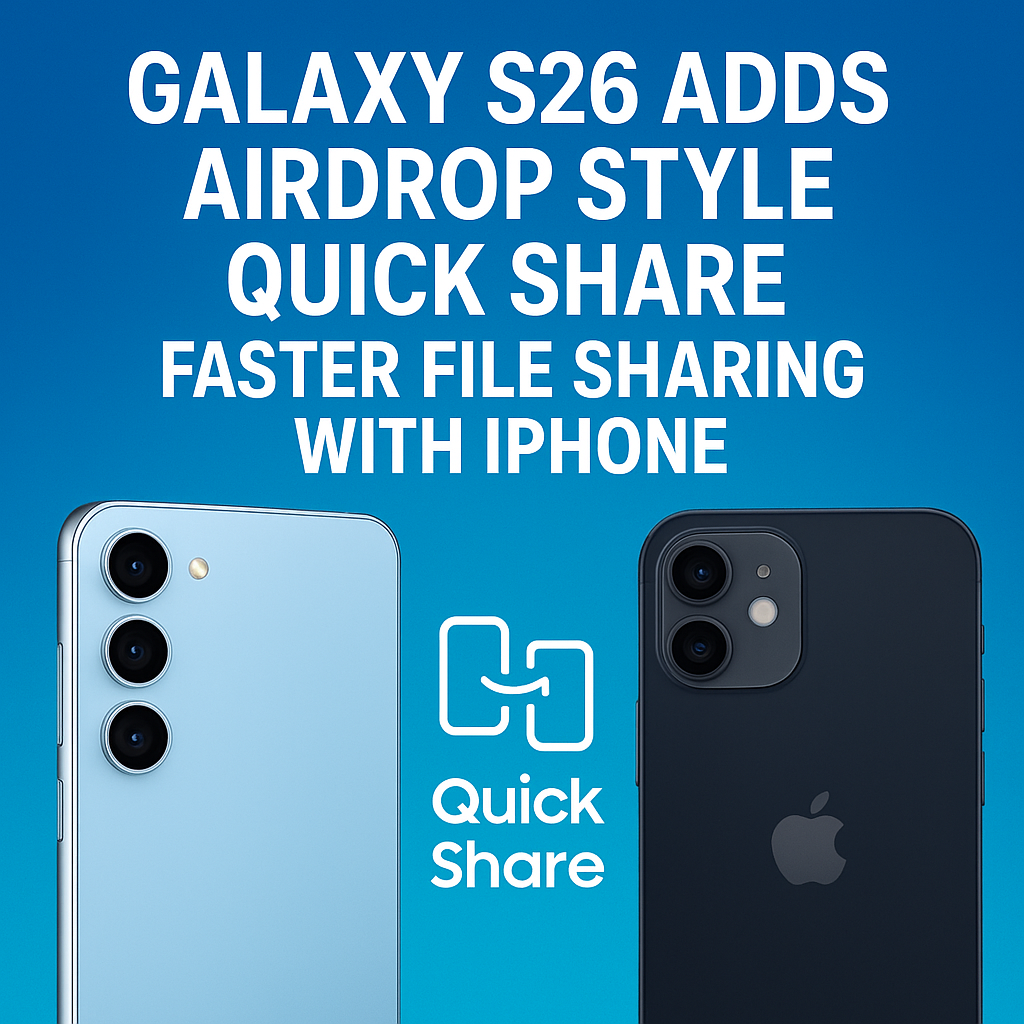
Samsung’s upcoming Galaxy S26 is rumored to bring a major upgrade to Quick Share, making it feel much closer to Apple’s AirDrop in speed, simplicity, and reliability. The big twist: the improved Quick Share experience is expected to work faster and more seamlessly with iPhone, addressing one of the biggest everyday frustrations for people who live in mixed-device households. If the reports hold true, Galaxy S26 owners could send photos, videos, documents, and links with fewer steps, better discovery, and stronger cross-platform compatibility than previous generations.
Galaxy S26 Quick Share Upgrade: What’s Changing
Quick Share already exists on modern Samsung phones, but it has historically felt best when used between Samsung devices. The Galaxy S26 is expected to introduce an “AirDrop style” Quick Share mode that emphasizes instant device discovery and faster direct transfers. Rather than relying heavily on cloud handoffs, the focus appears to be on local, peer-to-peer connections using Bluetooth for discovery and Wi‑Fi Direct (or a similar high-bandwidth local link) for the actual file transfer.
For users, that typically means:
- Quicker device detection when you open Share on your Galaxy S26.
- Faster transfer speeds for large files like 4K video clips.
- Fewer prompts and less friction to approve and receive files.
- Better reliability in busy places (offices, cafes, airports) where many devices are nearby.
AirDrop-Style File Sharing with iPhone: How It Might Work
AirDrop is popular because it’s simple: select a file, tap a nearby device, and send. Apple achieves this ease largely by tightly controlling hardware and software across iPhone, iPad, and Mac. Samsung doesn’t control iOS, so “AirDrop for iPhone” cannot be a 1:1 clone. Instead, the Galaxy S26 approach is likely to offer a similarly fast sharing flow by leaning on widely supported methods that can work across platforms.
Likely Cross-Platform Methods
Because iPhone devices don’t natively support Samsung Quick Share as a built-in system feature, the Galaxy S26’s “faster file sharing with iPhone” will likely depend on one or more of these options:
- Link-based sharing with ultra-fast local negotiation: The phone could create a quick share link and deliver it instantly via QR code or nearby handoff, while the file transfers through a temporary, secure session.
- QR code receive/send flow: iPhone users scan a QR code that opens a download page in Safari, removing the need for a dedicated app.
- App-assisted transfer: If Samsung enhances a companion iOS app (or leverages an existing one) to enable higher-speed local transfer, it could improve the “AirDrop style” feel, though it adds a setup step.
- Improved interoperability standards: The feature could rely on modern connectivity standards and streamlined permission prompts to reduce friction.
The headline is less about duplicating AirDrop exactly and more about delivering a comparable experience: fast, nearby, and painless for everyday sharing between a Galaxy S26 and an iPhone.
Why Faster Sharing Matters on the Galaxy S26
Phones now capture massive files. A short 4K60 clip, a burst of high-resolution photos, or a folder of PDFs can be annoying to move between devices. Messaging apps compress files, email attachments are limited, and cloud uploads require time and connectivity. A fast Quick Share alternative offers a practical solution:
- Creators and students: Move raw media and project files quickly without quality loss.
- Families: Share photos and videos between Android and iPhone users without the “send it to me on WhatsApp” workaround.
- Work teams: Send presentations, documents, and images on the fly during meetings.
- Travelers: Transfer media to a friend nearby without relying on roaming data or slow hotel Wi‑Fi.
Quick Share vs AirDrop: Similar Goals, Different Ecosystems
AirDrop works extremely well within Apple’s ecosystem, while Quick Share has been strongest within Samsung’s ecosystem. The Galaxy S26’s rumored enhancements point to Samsung trying to narrow that gap in terms of user experience and speed.
Where AirDrop Still Has an Advantage
- Native iOS integration: AirDrop is built into every iPhone, so there’s no extra setup.
- Consistent device discovery: Apple controls the stack end-to-end, which can reduce edge cases.
- Unified Apple ID layer: Identity and trust are integrated into the platform.
Where Galaxy S26 Quick Share Could Shine
- Android flexibility: Samsung can integrate Quick Share deeply across Galaxy apps and One UI features.
- Multiple sharing modes: Nearby transfer, QR code, and link share options can cover more situations.
- Better mixed-device workflows: If implemented well, Galaxy S26 could become the “bridge phone” in homes with both Android and iPhone.
What “AirDrop Style” Might Mean in One UI on Galaxy S26
Samsung’s One UI has steadily improved the share sheet and connected features. An “AirDrop style Quick Share” on Galaxy S26 likely means a cleaner, faster, more prominent nearby sharing panel that appears right when you need it.
Possible interface and behavior improvements include:
- Instant nearby device tiles: A row of nearby devices appears at the top of the share sheet.
- Smarter suggestions: Frequently shared contacts and devices appear automatically based on behavior.
- Reduced permission friction: Streamlined prompts and clearer receive settings (Contacts only / Everyone nearby / Off).
- Background transfer with progress controls: Transfers continue while you navigate away, with a notification that allows pause or cancel.
Expected Privacy and Security Features
Fast sharing is only useful if it’s safe. AirDrop has faced scrutiny for unwanted file requests in crowded locations, and Samsung has historically offered visibility controls in Quick Share. With Galaxy S26, expect Samsung to emphasize secure defaults and clearer settings, especially if iPhone-friendly sharing becomes more common.
Security Controls That Matter
- Visibility options: Choose who can discover your Galaxy S26 (your devices, contacts, or everyone nearby for a limited time).
- Approval prompts: Require explicit acceptance before receiving files.
- Temporary links: Link sharing that expires automatically, reducing the risk of unintended access.
- Encryption in transit: Local transfers typically use encrypted channels; expect Samsung to highlight this.
Real-World Scenarios: Galaxy S26 Sharing with iPhone
If Samsung nails this upgrade, these are the kinds of moments where it will feel like an AirDrop alternative:
- Sharing a full-quality video: You record a 4K clip on Galaxy S26 and send it to an iPhone without compression, in seconds, with a simple tap-and-confirm flow.
- Sending a photo album at a party: Multiple iPhone users scan a QR code to download the shared set, avoiding group chat compression.
- Moving a document in a meeting: A colleague with an iPhone receives a PDF instantly without email or cloud logins.
- Helping family with setup: Quickly send Wi‑Fi details, screenshots, or instructions across platforms without friction.
How to Prepare: Tips for Getting the Best Quick Share Experience
While final Galaxy S26 details may change, you can generally get the best results from any fast sharing system by setting it up correctly and keeping devices updated.
Practical Tips
- Keep software current: Install the latest One UI updates and app updates for Quick Share-related services.
- Check visibility settings: Set Quick Share to “Contacts” for daily use and “Everyone nearby” only when needed.
- Use Wi‑Fi and Bluetooth: Nearby discovery and fast transfer commonly require both enabled.
- Prefer direct transfer for big files: Choose the fastest local option when available instead of cloud link sharing.
- Use QR codes for iPhone recipients: If there’s no native iOS receiving method, QR is usually the fastest “no app required” path.
Will Galaxy S26 Make Android-to-iPhone Sharing Finally Easy?
That’s the goal. In practice, the smoothness will depend on how Samsung implements the feature and which iPhone-side method it uses. If the Galaxy S26 Quick Share upgrade focuses on fast discovery, minimal steps, and a reliable iPhone-friendly receive flow (like QR + instant download), it could dramatically reduce the pain of cross-platform sharing. It won’t magically turn iPhone into an AirDrop receiver for Android without any caveats, but it can make the experience feel close enough that most people stop thinking about the underlying tech.
What to Watch for at Launch
When Samsung officially details the Galaxy S26, these specifics will determine whether “AirDrop style Quick Share” is a real leap forward or just a small refinement:
- Transfer speeds: Especially with large video files and multiple items.
- Discovery reliability: How quickly devices appear and how often transfers fail.
- iPhone experience: Whether receiving requires an app, and how many steps it takes.
- Quality preservation: Whether photos and videos are sent without compression by default.
- Security defaults: How Samsung prevents unwanted sharing attempts in public places.
FAQs
1) Can the Galaxy S26 Quick Share send files directly to an iPhone like AirDrop?
It may offer an AirDrop-like workflow, but true direct AirDrop-to-iPhone sending isn’t natively supported by iOS. The Galaxy S26 is expected to make iPhone sharing easier through options like QR codes, secure links, or an iOS companion method, depending on Samsung’s final implementation.
2) Will Quick Share on Galaxy S26 be faster than previous Galaxy phones?
That’s the intent of the rumored upgrade. “AirDrop style” Quick Share suggests improved nearby discovery and higher-speed local transfers, which should feel faster and more reliable than older Quick Share experiences, especially for large files.
3) Do iPhone users need to install an app to receive files from Galaxy S26 Quick Share?
Not necessarily. A common approach is a QR code or link that opens in Safari, allowing downloads without an app. However, the fastest and most seamless experience could require an app if Samsung chooses that route.
4) Is Galaxy S26 Quick Share secure for sharing in public places?
It should be, as long as you use visibility controls and require acceptance for incoming files. Look for settings like “Contacts only” and time-limited “Everyone nearby,” plus prompts that prevent silent receiving.
5) What types of files can Quick Share transfer between Galaxy S26 and iPhone?
Typically photos, videos, documents, and links are supported. The exact file size limits and supported formats will depend on the sharing mode Samsung uses (direct transfer vs secure link), but the goal is to share full-quality files with minimal friction.