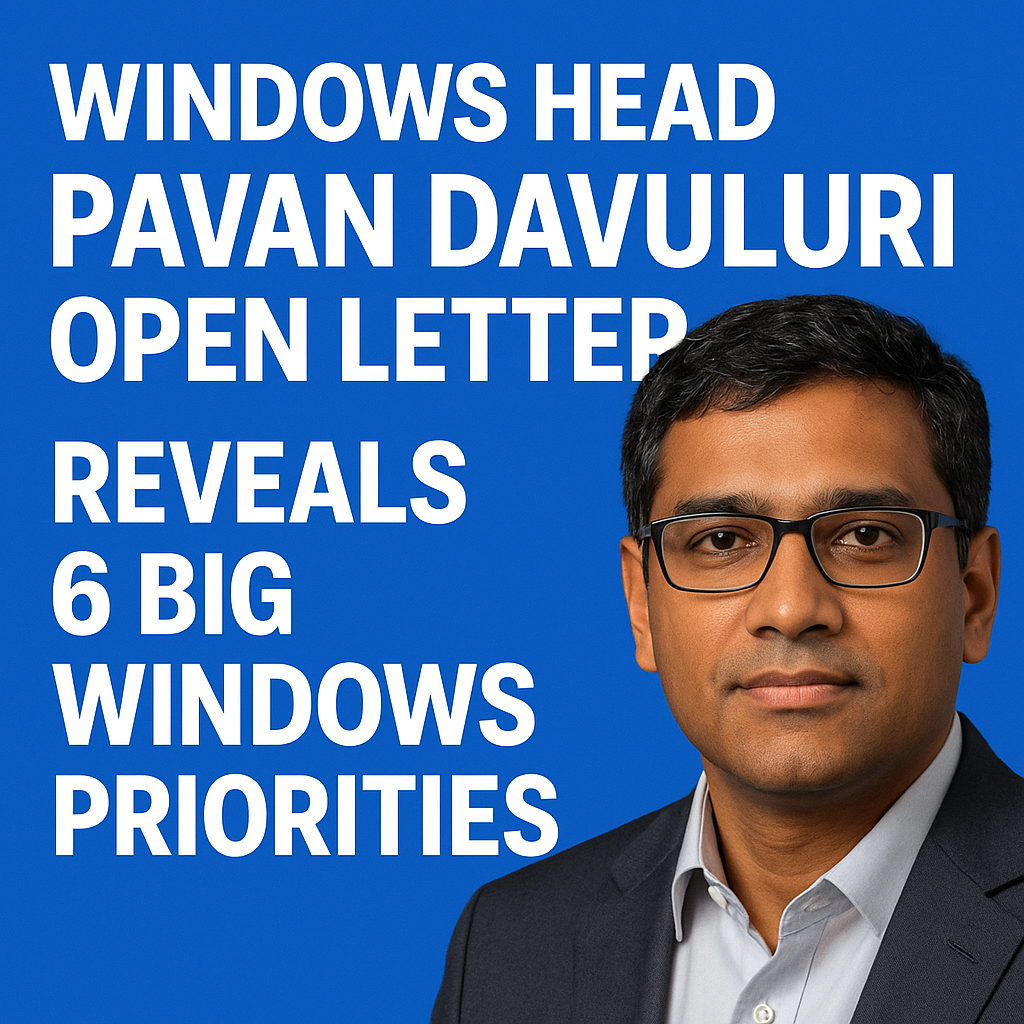
Pavan Davuluri, the head of Windows, recently shared an open letter that pulls back the curtain on where Microsoft is steering the platform next. The message doesn’t read like a vague mission statement; it outlines a practical set of Windows priorities aimed at making the operating system more useful, more secure, and better aligned with how people actually work across PCs, cloud services, and AI-powered tools. For IT teams, OEMs, developers, and everyday users, these priorities signal what to expect in upcoming Windows updates and how Microsoft plans to keep Windows competitive in a fast-changing PC market.
Below is a clear breakdown of the six big Windows priorities highlighted in Davuluri’s open letter, what they mean in real terms, and why they matter for anyone who depends on Windows for productivity, security, or software development.
Why Davuluri’s open letter matters for the future of Windows
Windows is at a moment where expectations are rising on several fronts at once: AI is becoming mainstream, security threats are intensifying, device diversity is expanding, and users want more seamless experiences across apps and services. When the Windows organization spells out priorities, it often foreshadows investment areas that will shape feature releases, hardware requirements, management tools, and developer APIs.
In other words, these Windows priorities are not just internal goals. They can influence:
- How quickly new features arrive and how they are delivered (major releases vs. continuous updates)
- How enterprises plan Windows deployment, security baselines, and endpoint management
- How PC makers design devices to meet new Windows expectations (battery life, NPUs, security chips, performance tiers)
- How developers build, package, and distribute Windows apps
The 6 big Windows priorities revealed in the open letter
1) Make Windows the best place for AI experiences
A central theme in the Windows roadmap is that AI shouldn’t feel bolted on. Davuluri’s direction indicates Microsoft wants Windows to be the most natural environment for AI-assisted work, where intelligent features show up at the right time and place across the system. This includes OS-level AI experiences, app integrations, and deeper support for on-device AI acceleration.
What this priority likely means in practice:
- More AI features integrated into core Windows experiences such as search, settings, accessibility tools, and productivity workflows
- Improved support for AI-ready hardware, especially PCs with NPUs (neural processing units) for faster on-device processing
- A continued push for AI to work in a privacy-conscious way, balancing cloud power with on-device capabilities
- Stronger developer tooling to build AI features into Windows apps without excessive complexity
For users, the goal is simple: less time searching, clicking, and context-switching, and more time getting work done. For enterprises, it suggests Windows will increasingly deliver AI features that need governance, security controls, and policy-driven management.
2) Raise the security bar with hardware-backed protection and smarter defenses
Security remains a defining Windows priority, especially as attacks become more automated and identity-focused. Davuluri’s open letter underscores a continued emphasis on building security deeper into the platform. Rather than treating security as optional software, Windows is moving toward stronger default protections based on modern hardware capabilities.
Key directions under this priority:
- More reliance on hardware-backed security (for example, TPM-based protections, virtualization-based security, and credential isolation)
- Improved defenses against phishing and credential theft as identity becomes the primary attack surface
- Continued tightening of driver, kernel, and app security models to reduce risky pathways
- Security improvements that are easier to manage at scale for organizations using modern endpoint management
This matters because Windows security is no longer only about antivirus. It’s about ensuring the OS, firmware, identity stack, and app ecosystem work together to prevent compromise and reduce blast radius when incidents occur.
3) Deliver faster, higher-quality updates with reliability as a first-class goal
Another major Windows priority is improving quality and reliability while continuing to ship innovations. Davuluri’s message aligns with what users consistently ask for: fewer disruptive updates, fewer regressions, and a smoother experience across diverse PC configurations.
How Microsoft can operationalize this priority:
- More controlled feature rollouts using staged deployments to catch issues before they impact everyone
- Better telemetry-driven quality signals and faster response loops for critical bugs
- More predictable update behavior, including clearer communication on what changes and why
- Investment in performance, battery life, and stability across both new and older devices
For consumers, reliability means confidence that a patch won’t break a printer, audio stack, VPN client, or game. For IT administrators, it means fewer emergency rollbacks, less downtime, and simpler servicing strategies.
4) Improve the Windows experience across devices, form factors, and workflows
Windows runs on an enormous range of hardware, from compact tablets and 2-in-1s to high-end workstations and gaming rigs. Davuluri’s priorities point to making Windows feel more consistent and optimized across these form factors, while still respecting the power and flexibility that make it a PC operating system.
Expect focus in areas like:
- Touch, pen, and keyboard experiences that feel cohesive instead of fragmented
- Better multi-monitor and docking behavior for hybrid work setups
- Stronger power and performance tuning on portable PCs, especially as new chip designs evolve
- More fluid user interface improvements that reduce friction without forcing unnecessary change
This priority matters because Windows users don’t all work the same way. Some rely on a laptop all day, some use a desktop with multiple monitors, and others bounce between devices. Improving cross-form-factor experience helps Windows stay relevant for modern work and entertainment.
5) Strengthen the Windows developer platform and app ecosystem
No operating system thrives without a healthy ecosystem of applications. Davuluri’s open letter signals ongoing work to make Windows a better platform for developers and a better marketplace for users. That can mean reducing friction in building, packaging, and distributing apps, while also improving performance, security, and compatibility.
What “better for developers” can look like:
- Improved Windows app frameworks and tooling that reduce time-to-ship
- Better integration paths for web apps, native apps, and cross-platform apps
- Clearer APIs and more consistent behavior across Windows versions
- More transparent policies and opportunities for app distribution, including through the Microsoft Store or direct channels
For users, a stronger app ecosystem means higher-quality apps, more frequent updates, and better support for modern features like notifications, windowing behaviors, accessibility, and security permissions.
6) Make Windows more seamless with Microsoft services while respecting user choice
Windows increasingly sits at the center of a broader productivity and cloud ecosystem that includes Microsoft 365, OneDrive, Teams, and security management tools. A key Windows priority is improving how these experiences fit together so that users can start work quickly, continue across devices, and recover data easily when something goes wrong.
What this tends to include:
- More seamless sign-in and identity experiences, especially for organizations
- Stronger cloud file integration and safer backup/restore flows
- Better collaboration features that don’t require constant manual setup
- More settings and transparency so users and admins can control what gets integrated
The balancing act here is important. Users want convenience, but they also want control. Enterprises want productivity, but they also need compliance, auditing, and policy-based management. This priority suggests Microsoft aims to reduce friction while expanding administrative controls and improving clarity around data handling.
What these Windows priorities mean for users, IT teams, and developers
For everyday Windows users
The biggest takeaways are likely better reliability, more helpful AI features, and a smoother experience across laptops and desktops. Users should also expect more security protections enabled by default, especially on newer devices that meet modern hardware requirements.
For enterprises and IT administrators
Davuluri’s direction suggests an ongoing push toward a more secure-by-default Windows posture, with management-friendly deployments and more consistent update quality. Organizations should prepare for:
- More AI-driven features that may require policy decisions and governance
- Security baseline updates and stronger hardware-based requirements
- Continued emphasis on modern management and identity integrations
For developers and software vendors
If Microsoft follows through, developers can expect a stronger story around app frameworks, AI development integration, and distribution options. At the same time, rising security standards may require more attention to signing, permissions, driver rules, and safer update mechanisms.
How to prepare for the next phase of Windows
Whether you’re a consumer or an enterprise decision-maker, these Windows priorities point to a few practical steps:
- Evaluate hardware readiness: If AI and security are accelerating, newer PCs with modern security chips and AI acceleration will gain more benefits over time.
- Review update strategy: Keep devices on supported Windows versions and validate critical line-of-business apps against upcoming updates.
- Plan AI governance: Decide which AI features should be enabled, how data is handled, and what policies you need in place.
- Invest in app modernization: Developers should track evolving Windows APIs, packaging options, and security requirements to keep apps compatible and performant.
- Prioritize security fundamentals: Identity protection, least privilege, and hardware-backed security are increasingly essential, not optional.
Conclusion: A clearer, more focused Windows roadmap
Pavan Davuluri’s open letter offers a useful snapshot of Microsoft’s Windows strategy: AI experiences that feel native, stronger security foundations, higher reliability, better device experiences, a healthier app ecosystem, and tighter (but more manageable) integration with Microsoft’s services. Together, these priorities signal a Windows platform that is evolving beyond a traditional desktop OS into a more intelligent, secure, and service-connected environment—without losing the flexibility that made Windows the standard for work and play.
FAQs
What are Pavan Davuluri’s 6 big Windows priorities?
The six priorities focus on advancing AI experiences in Windows, strengthening security with hardware-backed protections, improving update quality and reliability, optimizing Windows across devices and form factors, supporting developers and the app ecosystem, and creating more seamless experiences with Microsoft services while maintaining user and admin control.
How will AI change the Windows experience?
AI is expected to become more integrated into core Windows features and common workflows, helping users find information faster, automate repetitive tasks, and interact more naturally with the system. This also includes improved support for AI-ready hardware and options that balance cloud AI with on-device processing.
Will these Windows priorities affect Windows updates?
Yes. A major focus is delivering updates that are faster, more reliable, and less disruptive. That typically involves staged rollouts, improved quality testing signals, and clearer servicing practices to reduce bugs and compatibility issues.
What do these priorities mean for Windows security?
They indicate a continued move toward security by default, with more reliance on hardware-backed protections and stronger defenses against modern threats like phishing and credential theft. Enterprises should expect evolving security baselines and more emphasis on identity and endpoint hardening.
How can businesses prepare for Microsoft’s Windows roadmap?
Businesses can prepare by assessing hardware readiness (especially for security and AI), tightening identity and endpoint security controls, planning governance for AI features, keeping a structured update and testing process, and ensuring key applications remain compatible with upcoming Windows platform changes.