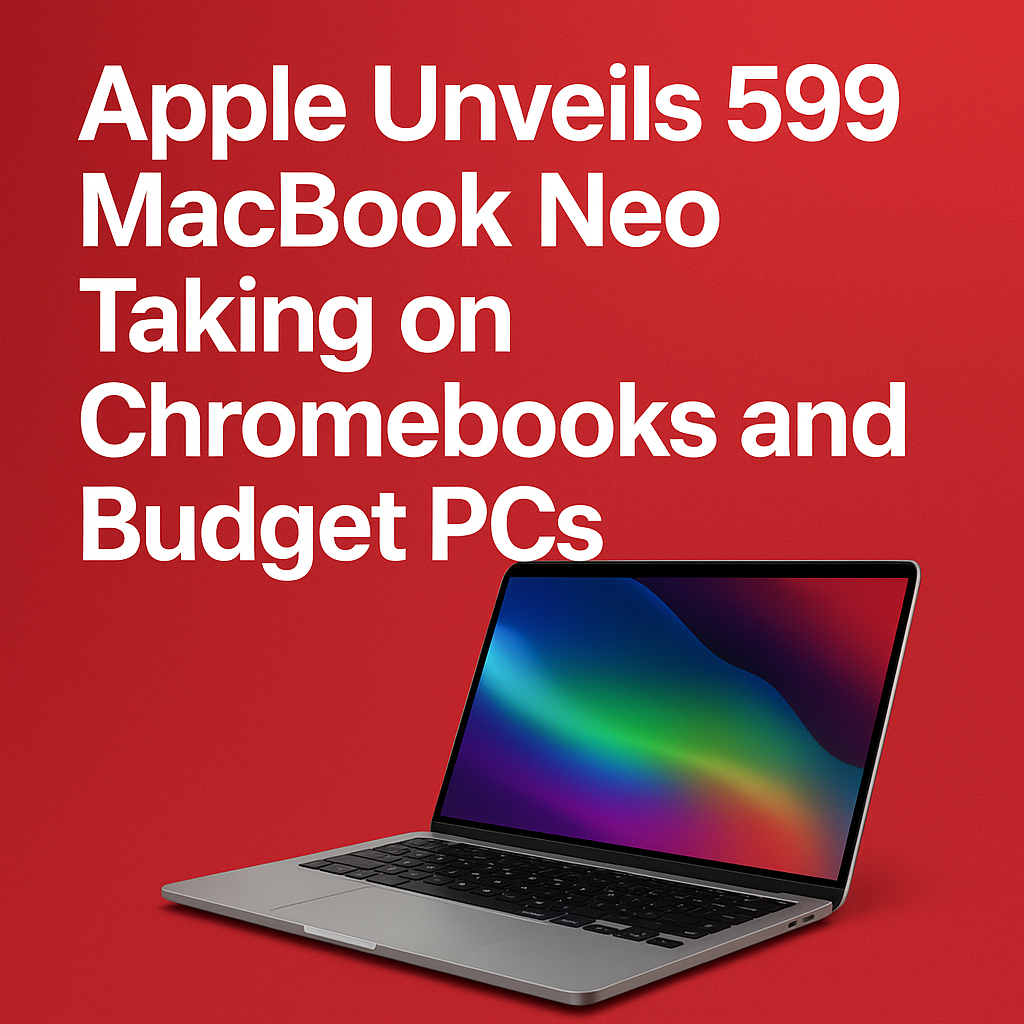
Apple has reportedly entered the affordable laptop conversation in a big way with the announcement of the $599 MacBook Neo, a new entry-level Mac designed to compete directly with popular Chromebooks and budget Windows PCs. For years, students, families, and price-conscious buyers have gravitated toward lower-cost devices that handle web browsing, schoolwork, streaming, and light productivity without stretching budgets. With MacBook Neo, Apple is signaling that it wants a larger share of that mainstream market—without abandoning the performance, build quality, and ecosystem advantages that have made MacBooks a premium staple.
What Is the MacBook Neo?
The MacBook Neo is positioned as Apple’s most accessible laptop, aimed at everyday computing needs: writing papers, joining video calls, managing email, watching movies, and running common productivity apps. The headline figure—$599—places it squarely in the territory where Chromebooks thrive and where Windows budget laptops compete aggressively with discounts and seasonal promotions.
Apple’s pitch is straightforward: bring the core Mac experience to a lower price bracket while offering a laptop that feels more “complete” than many entry-level competitors. The company is expected to lean heavily on the value of macOS, long-term software support, strong security defaults, and integration with iPhone and iPad.
Why Apple Is Going After Chromebooks and Budget PCs
The sub-$700 laptop market has grown into one of the most influential segments in consumer tech. Chromebooks gained massive traction in education and among casual users because they are affordable, simple, and cloud-first. Meanwhile, Windows budget PCs dominate retail shelves thanks to constant variety, frequent sales, and wide hardware options.
Education and family demand keeps rising
Schools and parents often prioritize devices that are affordable, durable, and easy to manage. Chromebooks became a default choice because they fit tightly into Google’s classroom ecosystem and are easy for IT teams to administer. Apple, long popular in creative fields and among many college students, has historically been more expensive at entry level. A $599 MacBook aims to change that perception.
Consumers want “good enough” computing at a fair price
Many shoppers don’t need heavy video editing or advanced 3D workloads. They want a laptop that boots fast, lasts all day, feels responsive, and won’t become frustrating after a year. If Apple can deliver smooth performance and reliability at $599, it could pull buyers who previously assumed a Mac was out of reach.
Services and ecosystem make lower-cost hardware strategic
Apple has strong incentives to bring more users into its ecosystem. Once customers are using macOS and iCloud, they are more likely to subscribe to Apple services and buy accessories. A budget-friendly MacBook can act as a gateway device—especially for iPhone owners who want a laptop that pairs seamlessly with their phone.
Key Features and Value Proposition
While exact configurations can vary by region and retailer, the MacBook Neo is expected to focus on the essentials that matter most to everyday users: responsive performance, strong battery life, a good display, a reliable keyboard and trackpad, and modern connectivity.
Performance for everyday productivity
Apple’s recent silicon strategy has set high expectations for efficiency and responsiveness. The MacBook Neo’s appeal depends on delivering a smooth experience for common tasks such as:
- Web browsing with multiple tabs
- Google Docs, Microsoft 365, and productivity apps
- Streaming video and music
- Video conferencing for school and work
- Light photo editing and creative tasks for beginners
For buyers comparing against budget PCs that sometimes ship with slower processors and limited storage, Apple’s focus will likely be on consistent real-world speed and fewer slowdowns over time.
Battery life as a differentiator
Battery longevity is one area where MacBooks have earned a strong reputation. Many budget Windows laptops sacrifice endurance to hit low prices, and Chromebooks can vary widely depending on screen and processor choices. If MacBook Neo maintains Apple’s typical emphasis on efficient power management, it could become a top pick for students moving between classes or families sharing a laptop at home.
Build quality and usability
One of the biggest complaints in the budget laptop category is that devices can feel flimsy: wobbly hinges, cramped trackpads, or keyboards that are unpleasant for long typing sessions. Apple’s design standards could help MacBook Neo stand out if it retains a sturdy chassis, a comfortable keyboard, and a precise trackpad—areas where MacBooks often beat similarly priced competitors.
macOS and built-in security
macOS is a major part of the Neo’s story. For many users, the benefits include:
- Strong security defaults and frequent updates
- Built-in apps for notes, productivity, and media
- Better continuity features with iPhone and iPad
- A consistent interface that stays fast with regular maintenance
Chromebooks offer simplicity and security through sandboxing and automatic updates, while Windows offers broad compatibility. Apple will likely position macOS as the balanced middle: easier than Windows for many casual users, while supporting richer desktop apps than ChromeOS in many workflows.
How MacBook Neo Compares to Chromebooks
Chromebooks excel in affordability and cloud-first simplicity. The MacBook Neo, however, targets buyers who want a more traditional laptop experience while still keeping costs low.
Where Chromebooks still win
- Lower entry prices: Many models dip well below $300.
- Google Workspace integration: Ideal for schools standardized on Google tools.
- Easy device management: Strong centralized controls for education fleets.
Where MacBook Neo may pull ahead
- More capable desktop apps: Especially for creative tools and offline workflows.
- Long-term usability: Potentially less slowdown than lower-end hardware.
- Better trackpad and keyboard experience: If Apple keeps Mac standards intact.
- Ecosystem perks: AirDrop, iMessage (on Mac), FaceTime, and iCloud sync.
For students who live in Google Docs and use web apps only, a Chromebook may remain the most cost-effective option. For students who want to grow into more advanced tools—or households that want one laptop to handle more varied needs—the Neo could be a compelling upgrade without crossing into premium pricing.
How MacBook Neo Compares to Budget Windows Laptops
Budget Windows laptops are everywhere, and they come in countless combinations of processors, screen sizes, and build quality. Some are great deals; others disappoint quickly with slow storage, low memory, or poor displays.
Advantages for Windows budget PCs
- Wider hardware selection: Many screen sizes, 2-in-1 designs, and ports.
- More frequent discounts: Deep sales can undercut $599 significantly.
- Legacy software compatibility: Helpful for niche Windows-only applications.
Potential advantages for MacBook Neo
- More consistent experience: Fewer “bad” configurations to avoid.
- Better efficiency: Performance-per-watt could support quieter operation and longer battery life.
- Higher resale value: Macs historically retain value better than many budget PCs.
For shoppers who need Windows-specific software or want the cheapest possible machine, a budget PC may still be the practical choice. But for buyers who want a reliable daily driver and already own an iPhone, MacBook Neo could feel like the simplest long-term bet.
Who Should Buy the $599 MacBook Neo?
Apple’s new pricing tier suggests a clear target: people who want a Mac but previously settled for something cheaper. The best fit depends on your workflow and expectations.
Ideal buyers
- Students: Note-taking, research, writing, video calls, and presentations.
- Families: Shared household laptop for browsing, homework, and streaming.
- First-time Mac users: Those curious about macOS without premium pricing.
- iPhone owners: Anyone who wants tighter integration across devices.
Consider other options if you need more power
- Video editors and 3D creators: Heavier creative workloads may need higher-tier hardware.
- Gamers: Budget Windows laptops may offer better options for gaming libraries and compatibility.
- Users needing niche Windows apps: Some specialized tools remain Windows-only.
Pricing, Availability, and What to Watch
The $599 price is the attention-grabber, but shoppers should watch how storage, memory, and configuration choices affect real value. In the budget category, small spec differences can have an outsized impact on day-to-day usability. Also keep an eye on:
- Education pricing: Students and educators may see additional discounts.
- Bundled offers: Retail bundles (AppleCare, accessories, subscriptions) can change the effective value.
- Back-to-school promotions: Apple often pairs laptops with gift cards or extras during seasonal campaigns.
- Return windows and warranties: Especially important when buying a new product line.
If Apple can keep the base model practical for modern use—enough memory for multitasking and enough storage for school files and apps—the Neo could become a standout in its category. If the entry configuration is too constrained, Chromebooks and well-chosen Windows deals could remain the smarter purchase for many.
What MacBook Neo Could Mean for the Laptop Market
A $599 MacBook isn’t just another product launch; it could reshape expectations. Competitors may respond by improving build quality, extending battery life, or tightening software experiences at similar prices. For consumers, that kind of pressure is usually good: better laptops across the board, whether you choose macOS, Windows, or ChromeOS.
For Apple, success depends on balancing cost with the qualities people associate with MacBooks. If the Neo feels like a “real Mac” rather than a stripped-down compromise, it may become a default recommendation for students and casual users—and a serious alternative to the Chromebook aisle.
FAQs
Is the MacBook Neo really meant to replace a Chromebook?
MacBook Neo is designed to compete with Chromebooks by offering an affordable, easy-to-use laptop for school and everyday tasks. It won’t “replace” Chromebooks for everyone, but it gives buyers who want macOS a comparable price point.
What kind of tasks can a $599 MacBook Neo handle?
It should be well-suited for web browsing, homework, document editing, email, streaming, and video calls. It may also handle light creative work, though users with demanding workloads may want a higher-end MacBook.
Is MacBook Neo better than a budget Windows laptop?
It depends. Budget Windows laptops can offer more variety and frequent discounts, but the MacBook Neo may deliver a more consistent experience, strong battery life, and better integration for iPhone users. The best choice comes down to the apps you need and the deals available.
Will MacBook Neo work well for students?
Yes, students are one of the primary audiences. The combination of portability, productivity apps, and macOS features like iCloud syncing and FaceTime can make it a strong school laptop, especially for households already using Apple devices.
Should I buy MacBook Neo at launch or wait?
If you need a laptop now and the base configuration meets your needs, buying at launch can be fine—especially with education discounts or promotions. If you can wait, early reviews and back-to-school deals may help you confirm real-world battery life, performance, and overall value.