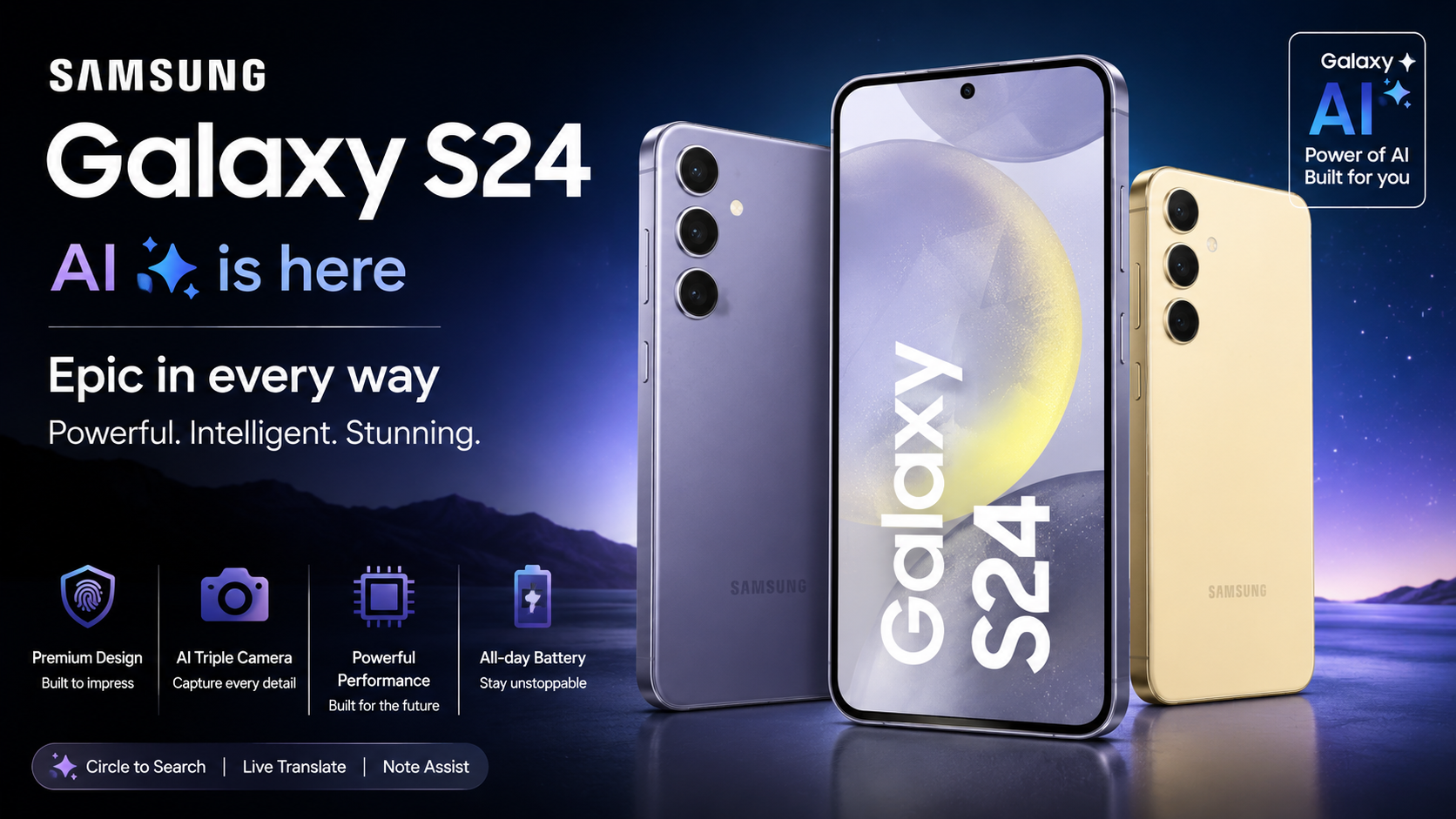
Samsung’s Unpacked events are designed to spotlight the biggest, most marketable features—camera upgrades, flashy AI demos, and the headline specs that look great on stage. But the details that matter day-to-day often live in the fine print: hidden settings, quiet hardware revisions, under-the-hood software changes, and regional differences that don’t make it into the keynote. If you’re considering the Galaxy S26 lineup (or you simply want to know what Samsung didn’t emphasize), these nine Galaxy S26 secrets are the ones worth knowing before you buy, upgrade, or import.
1) The “AI on-device” story is bigger—and more limited—than the stage demo
Samsung talked up Galaxy AI, but the most important part is where the AI actually runs. The Galaxy S26 adds more on-device AI processing for speed and privacy, yet some advanced features still depend on cloud calls, region availability, and account sign-ins.
What to look for in settings
- Hybrid processing modes: Some features offer “on-device only” options with fewer capabilities, while “best results” may require cloud processing.
- Data controls: You can often restrict AI features from using your content for improvement, but the toggle locations vary by region and firmware.
- Offline behavior: Translation, summarization, and generative editing can degrade gracefully—or stop working entirely—when offline.
Why it matters: If you travel, work with sensitive documents, or want consistent offline performance, it’s crucial to verify which AI tools truly run locally on your specific S26 model and software build.
2) A quieter battery efficiency upgrade comes from the display stack, not just capacity
Unpacked typically focuses on battery size and charging speed, but the Galaxy S26 lineup quietly benefits from display power optimizations that can be more impactful than a small capacity bump. Improvements to panel efficiency, adaptive refresh behavior, and low-brightness performance can extend real-world screen-on time.
Hidden impact: adaptive refresh tuning
- Smoother low-Hz transitions: Better switching between refresh rates can reduce power drain in social feeds and reading.
- More granular brightness control: Small adjustments at low brightness can save battery late at night.
- Always-on display efficiency: AOD can be less demanding with refined pixel driving and smarter scheduling.
Why it matters: Two phones with similar battery sizes can feel dramatically different. On the S26, display stack efficiency may be the real reason endurance improves—especially for heavy screen users.
3) The camera “look” can change more than the megapixels suggest
Samsung may highlight sensor specs, but the real changes are often in tuning: tone mapping, HDR behavior, skin tones, and sharpening. The Galaxy S26 camera pipeline can produce a different signature than last year even if the core hardware seems similar.
What’s different in everyday shots
- Faster capture-to-view: Reduced shutter lag and quicker processing can make candid photos easier.
- New HDR priorities: The phone may preserve highlights more aggressively, sometimes making shadows look darker.
- Portrait edge handling: Subject separation can improve, but hair and glasses can still vary by lighting.
Why it matters: If you care about consistency, check sample sets from reviewers and compare indoor photos, backlit scenes, and 2x–10x zoom in motion—not just sunny outdoor shots.
4) Samsung’s “hidden” performance gains often come from scheduling, not raw horsepower
Benchmarks are easy to market, but the Galaxy S26’s day-to-day speed can improve through thermal management, app scheduling, memory prioritization, and background process controls. These changes can make the phone feel snappier while also improving battery life.
Where you’ll notice it
- Less app reload: Better memory handling can keep more apps alive in the background.
- Steadier gaming: Improved thermal curves can reduce aggressive throttling after 10–15 minutes.
- Faster camera-to-share flow: Storage and image pipeline optimizations can reduce waiting time.
Why it matters: A small bump in benchmarks doesn’t always reflect real responsiveness. The S26’s “secret sauce” can be software and thermals, not only the chipset.
5) Charging behavior can differ by cable, charger, and region—even at the same wattage
Samsung often states a peak charging rate, but real charging speed depends on the USB-C cable’s rating, charger protocol support, temperature, and regional firmware limits. Two Galaxy S26 units can charge at noticeably different speeds under identical “wattage” on paper.
What affects real charging time
- USB PD PPS support: The best results typically require a PPS-capable adapter and a high-quality USB-C cable.
- Battery protection features: Adaptive charging, maximum charge limits (like 80% or 85%), and heat controls can slow charging.
- Thermal conditions: Warm rooms, thick cases, and using the phone while charging can reduce speed.
Why it matters: If fast charging is a priority, verify supported charging profiles and buy a PPS charger that matches Samsung’s recommended specs for the S26 generation.
6) The Galaxy S26 can hide a more capable connectivity stack than Samsung highlights
Samsung may mention 5G and Wi‑Fi upgrades briefly, but the practical difference comes from modem efficiency, carrier aggregation support, and Wi‑Fi stability—especially in crowded areas. The Galaxy S26 may improve weak-signal performance and reduce idle drain when bouncing between networks.
Connectivity upgrades you’ll feel
- More stable Wi‑Fi roaming: Better handoff between access points can help in large homes and offices.
- Improved hotspot reliability: Fewer disconnects and better sustained speeds depending on your carrier.
- Smarter standby: Reduced background scanning can improve battery life overnight.
Why it matters: “Fastest 5G” is marketing. Reliability, efficiency, and stability are what make a phone feel premium over months of use.
7) One UI on the S26 adds subtle privacy and security controls you can easily miss
Samsung typically lists “enhanced security,” but One UI updates often bring small, meaningful switches that change how apps behave—especially around clipboard access, photo permissions, mic/camera indicators, and background location use.
Security features worth checking on day one
- Permission granularity: More “only this time” and “selected photos” options to reduce oversharing.
- Auto-blocking and scam protection: Additional layers for unknown APKs, USB attacks, and suspicious links.
- Lock screen privacy: Improved control of notification content visibility when locked.
Why it matters: The best security is the kind you actually configure. Spending 10 minutes reviewing these settings can make the S26 meaningfully safer.
8) The “Ultra” experience may be as much about accessories and software perks as hardware
Samsung’s top-tier Galaxy S26 model (often the Ultra) usually gets the spotlight, but some of its best advantages come from the wider ecosystem: improved S Pen integration, better DeX workflows, deeper Galaxy Watch/earbuds handoff, and software-exclusive camera or AI tools.
Ultra-level advantages beyond the spec sheet
- DeX improvements: More stable multi-window behavior and better external display scaling can turn the S26 into a real travel workstation.
- Cross-device continuity: Smoother switching for audio, calls, and clipboard across Galaxy devices.
- Pro camera tools: Extra manual controls or enhanced RAW workflows may be gated to higher trims.
Why it matters: If you’re deciding between models, don’t only compare camera hardware—compare the software and ecosystem advantages you’ll use weekly.
9) Storage and memory configs can be the real “upgrade”—and Samsung rarely makes that obvious
Samsung highlights base storage, but performance and longevity can depend heavily on the configuration you buy. Higher storage tiers sometimes use faster NAND configurations, and more RAM can reduce background app reloads and improve on-device AI responsiveness.
What to consider before buying
- RAM matters for multitasking: If you keep many apps open, consider the higher-RAM variant.
- Storage headroom matters: Phones slow down when storage is nearly full; aim to keep at least 15–20% free.
- Future-proofing: AI features, 4K/8K video, and RAW photos can consume storage quickly.
Why it matters: The “same phone” can feel different depending on the config. If you plan to keep the Galaxy S26 for years, prioritize RAM and storage over small spec changes.
What to do next: a quick Galaxy S26 checklist before you buy
- Confirm AI feature availability in your region and whether it requires cloud access or subscriptions.
- Compare camera samples in indoor light and motion, not just daylight stills.
- Buy the right charger (USB PD PPS) and a quality cable if fast charging matters.
- Pick the right configuration (RAM/storage) for how long you’ll keep the phone.
- Review privacy settings on day one to lock down permissions and protections.
FAQs
1) Are the Galaxy S26 “secrets” real features or just settings tweaks?
Most are real improvements that don’t get stage time: software tuning, power management changes, regional feature limits, and under-the-hood upgrades. They can have a bigger effect on daily use than headline specs.
2) Will all Galaxy S26 models get the same Galaxy AI features?
Not always. Some AI tools can be model-dependent (due to RAM, chipset, or camera pipeline differences) and region-dependent (due to language support, privacy rules, or server availability). Always check your exact model number and carrier firmware notes.
3) Why does my Galaxy S26 charge slower than the advertised rate?
Peak rates require the right conditions: a USB PD PPS charger, a suitable cable, a cool battery, and no heavy usage during charging. Features like battery protection or adaptive charging can also reduce speed intentionally.
4) Is it worth upgrading to a higher storage or RAM variant of the Galaxy S26?
If you multitask heavily, shoot lots of video, use on-device AI tools, or keep your phone for 3–5 years, the higher tier is often the better “real-world” upgrade than minor camera or processor changes.
5) How can I tell if an AI feature runs on-device or in the cloud on the Galaxy S26?
Check the feature’s description in settings, look for “offline” modes, and test it without Wi‑Fi/mobile data. If it stops working or quality drops significantly when offline, it likely relies on cloud processing for full capability.